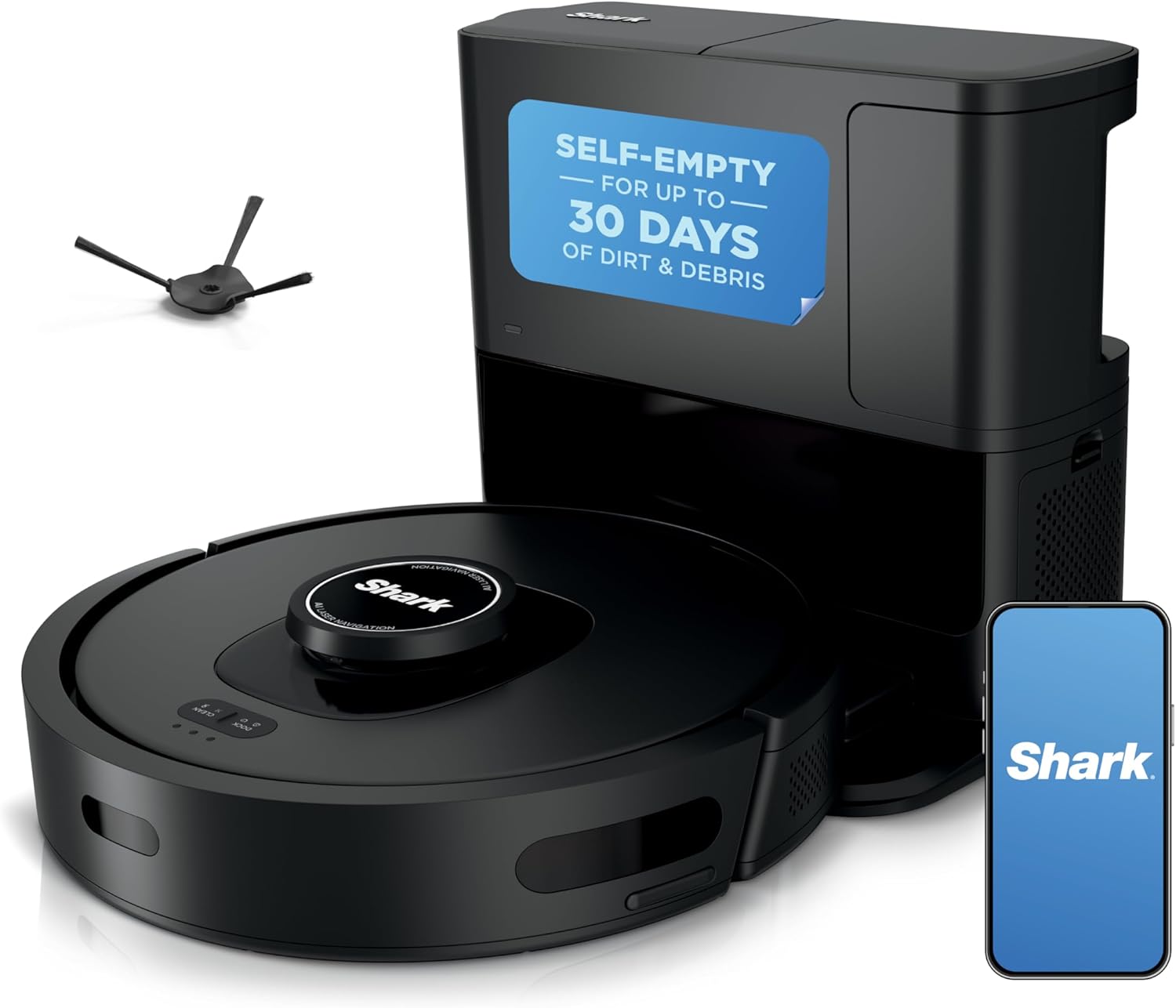
Quick Answer: Your robot vacuum won’t connect because it requires a 2.4GHz Wi-Fi network, not 5GHz. Most robot vacuums (including Roborock, Shark, and Roomba) only support 2.4GHz bands. To fix this, enable the 2.4GHz band on your router, disable 5GHz temporarily, or create a dedicated 2.4GHz guest network. Then reset the vacuum’s network settings, put it in pairing mode, and reconnect through the app.
Why Your Robot Vacuum Won’t Connect: The 2.4GHz vs 5GHz Problem

Even with the correct band, some routers block device-to-device communication. AP (Access Point) isolation is a security feature that prevents devices on the same network from talking to each other. While this is great for public Wi-Fi, it completely blocks your phone from sending pairing data to the vacuum. Log into your router and disable AP isolation for the 2.4GHz network. Additionally, check that the router’s firewall is not set to “High” security mode, which can block the vacuum’s outbound connection to the manufacturer’s cloud servers.
Step 4: Signal Strength and Placement
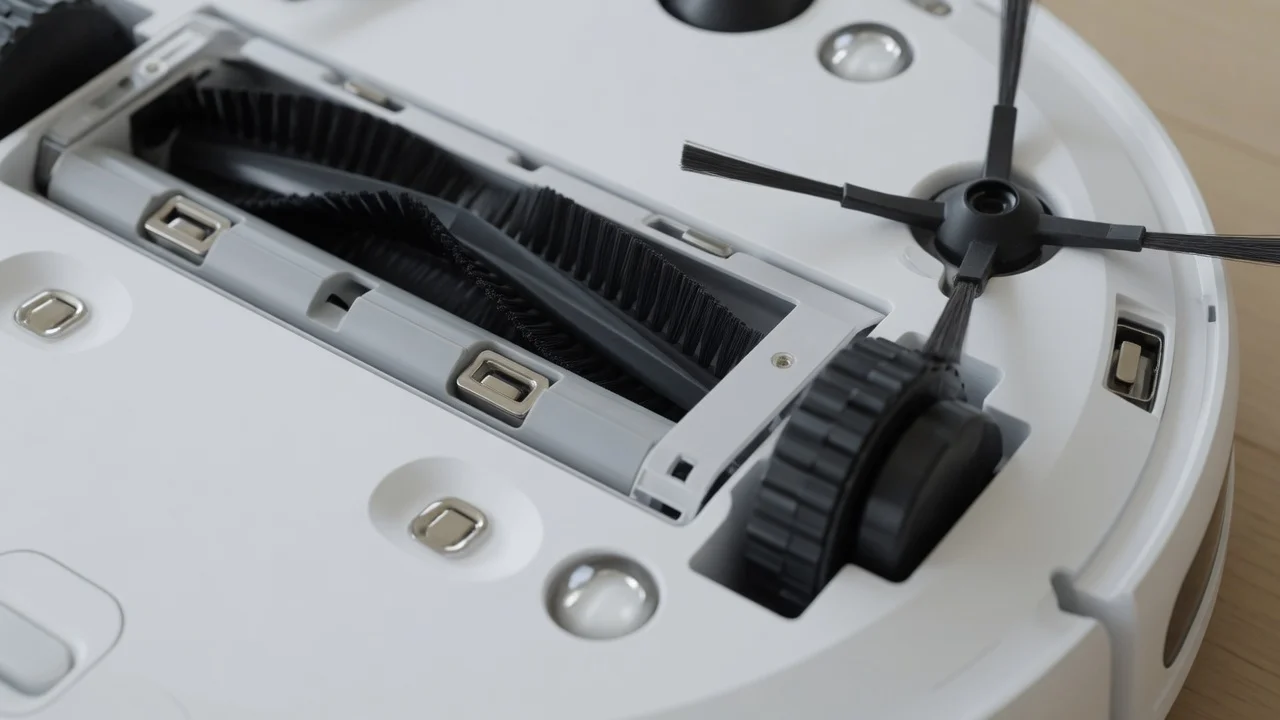

2.4GHz signals travel further than 5GHz, but they are still susceptible to interference from thick walls, metal appliances, and microwave ovens. If the vacuum is in a far corner of the house and the router is in the basement, the signal may be too weak to maintain a stable connection. Move the router to a central location, or install a Wi-Fi extender that broadcasts a 2.4GHz network. Ensure the vacuum is within 15-20 feet of the router during the initial pairing process, as the setup phase is the most sensitive to signal loss.
Step 5: App Permissions and Phone Settings

Sometimes the problem is not the vacuum or the router—it is the phone. The manufacturer’s app requires specific permissions to discover and configure the device. On both iOS and Android, ensure the app has permission to access Local Network (iOS) or Location (Android). Android requires location permission to scan for nearby Wi-Fi networks, even if you are not using GPS. Also, disable any VPN on your phone, as VPNs route traffic through a different network and will block the local discovery process.
Step 6: Firmware Updates and App Reinstallation

If all hardware checks pass, the issue may be a software bug. Check the vacuum’s firmware version in the app (if it is still connected) or on the manufacturer’s website. A known issue with early Roborock firmware caused intermittent Wi-Fi drops; a firmware update resolved it. If the app itself is corrupted, uninstall it, restart your phone, and reinstall the latest version from the official app store. Clear the app’s cache before attempting a fresh pairing.
Recommended Hardware & Essential Equipment
If your router is older or lacks the ability to separate bands, the most reliable fix is upgrading your networking hardware. The units below are verified to broadcast stable, dedicated 2.4GHz networks with easy-to-configure guest network options, eliminating the band-steering conflicts that cause robot vacuums to fail pairing. These routers also offer robust firewall controls, allowing you to disable AP isolation without exposing your home network to security risks.

Pros
- Incredible 6,000 Pa suction power easily lifts heavy debris and pet hair.
- True hands-free operation with a self-emptying base that holds 8 weeks of dust.
- LiDAR mapping ensures efficient, methodical cleaning paths without missed spots.
- HEPA filter keeps indoor air clean by trapping fine allergens.
Cons
- Mop pad must be washed manually or replaced periodically for optimal hygiene.
- The multi-surface cleaning formula requires ongoing purchases.
Hands-Free Pet Hair Management
The Bissell FlexClean Robot Vacuum and Mop (Model 4270) is a premium, automated cleaning solution designed specifically for busy households, especially those with pets. Combining robust vacuuming capabilities with active mopping, this smart appliance aims to eliminate the daily chore of floor maintenance. Whether you are dealing with scattered kitty litter, stubborn dog hair, or muddy paw prints, this robot is engineered to handle it all without requiring constant human intervention.
High-Performance Suction and Intelligent Navigation
Performance is driven by an impressive 6,000 Pa suction motor, which easily pulls dirt from deep within carpets and rugs. The standout NeverTangle Brush Roll is a game-changer for pet owners, actively shedding wrapped hair into the dustbin to prevent manual detangling. Additionally, the 360React LiDAR Navigation system maps the home in real-time, allowing the robot to navigate around furniture and unexpected obstacles with precision, ensuring no spots are left untouched.
Durable Build and Maintenance Considerations
Built with durability in mind, the unit features a sleek low-profile design that glides under most couches and beds. The self-empty base is sturdy and seals tightly, holding up to eight weeks of debris in a HEPA-filtered bag. While the overall build quality is excellent, users should note that the mopping system, while highly effective for daily maintenance, still requires manual refilling of the water tank and periodic washing of the mop pad.
The Verdict
In conclusion, the Bissell FlexClean 4270 offers an exceptional balance of power, intelligence, and convenience. It successfully addresses the most common pain points of robotic vacuums, namely hair tangles and frequent emptying. If you are looking for a reliable, high-performance cleaning companion that keeps your home allergen-free while supporting a great cause like the Bissell Pet Foundation, this model is a highly recommended investment.

Pros
- Powerful 2X motor suction optimized for pet hair pickup
- Self-empty base provides up to 60 days of hands-free convenience
- Smart LiDAR mapping ensures efficient, organized cleaning paths
- NeverTangle brush roll prevents pet hair wrap effectively
Cons
- Full mopping functionality requires connection to the companion app
- Bulkier self-empty docking station requires dedicated floor space
The Ultimate Hands-Free Cleaning Companion for Pet Owners
The Bissell FlexClean FurForce Robot Vacuum is engineered specifically to address the unique challenges of pet-friendly households. Combining powerful 2X suction with an intelligent mopping system, this robot vacuum takes the chore out of daily floor maintenance. Whether you have shedding dogs, cats, or busy traffic areas, this automated cleaner aims to keep your hard floors and rugs spotless with minimal manual intervention.
Smart Navigation and Tangle-Free Performance
Equipped with 360React LiDAR Navigation, the robot maps your home with high precision to avoid obstacles, shoes, and pet toys. The standout feature is the NeverTangle Brush Roll, which successfully prevents long pet hair from wrapping around the brush. This means you will spend less time cleaning the vacuum itself and more time enjoying clean floors. Its liftable mop pad transition ensures your rugs stay dry while your hard floors get a thorough scrub.
Convenience Redefined with Self-Emptying Technology
The hands-free experience is completed by the self-empty base station, which stores up to 60 days of dust and debris. Sealed with a high-efficiency HEPA filtration system, the dock traps 99.97% of microscopic allergens, pollen, and pet dander. While the companion app is required to unlock full mopping controls and custom cleaning zones, the physical setup and automated routines make it incredibly user-friendly.
The Verdict
The Bissell FlexClean FurForce offers an exceptional balance of powerful suction, smart mapping, and hygienic waste disposal. It is a highly recommended investment for pet owners who want to reclaim their time and maintain a dander-free living space.
Technical Specifications
Suction Power: 2X stronger suction at the motor compared to standard models
Navigation: 360React LiDAR Navigation
Run Time: Up to 180 minutes of continuous cleaning
Dust Collection: Self-empty bagless base with up to 60-day capacity
Filtration: HEPA filtration capturing 99.97% of particles at 0.3 microns
Brush Type: NeverTangle Brush Roll
Product prices and availability are accurate as of the date/time indicated and are subject to change. Any price and availability information displayed on Amazon.com at the time of purchase will apply. As an Amazon Associate we earn from qualifying purchases. Images, product titles, and product highlights from Amazon.
Frequently Asked Questions
Why does my robot vacuum only work on 2.4GHz and not 5GHz?
Robot vacuums use low-cost Wi-Fi modules designed for the 2.4GHz band. This band offers longer range and better penetration through walls, which is ideal for a device that moves around the house. The 5GHz band, while faster, has a shorter range and is more easily blocked by obstacles. Manufacturers prioritize reliability over speed, so they omit 5GHz support entirely.
How do I fix a Roborock Wi-Fi connection error?
First, ensure your phone is connected to the 2.4GHz network. Then, reset the vacuum’s network by holding the Power and Home buttons for 10 seconds until you hear the “Wi-Fi reset” prompt. Re-add the device in the Roborock app. If the error persists, disable AP isolation on your router and check for firmware updates.
Why does my Shark robot vacuum keep disconnecting from Wi-Fi?
The most common cause is the vacuum entering a deep sleep state to conserve battery, which drops the Wi-Fi connection. Wake the vacuum by pressing the Clean button, then check the app. If disconnections are frequent, move the router closer, disable band steering, or use a dedicated 2.4GHz guest network. A hard reset of the vacuum’s network settings also helps clear corrupted profiles.
How do I reset my robot vacuum’s network settings?
Hold the Power button and the Home (or Dock) button simultaneously for 10-15 seconds until you hear a voice prompt or see the Wi-Fi indicator light blink. For Shark models, press and hold the dedicated Wi-Fi reset button on the underside. This clears the saved network profile and puts the vacuum into pairing mode.
Can I use a guest network to connect my robot vacuum?
Yes. A guest network is often the best fix because you can configure it to broadcast only on 2.4GHz. This bypasses band steering and AP isolation issues. Connect your phone to the guest network, pair the vacuum, and then switch your phone back to your main network. The vacuum will remain connected to the guest network.
Next Step & Hardware Pairing: For recommended machine configurations and real-world durability tests, see our buyer guide on top-rated robot vacuums for carpets.
Final Checklist: Getting Your Vacuum Online

- Confirm your router broadcasts a 2.4GHz network with a distinct SSID.
- Disable band steering and AP isolation in router settings.
- Connect your phone to the 2.4GHz network before opening the app.
- Reset the vacuum’s network settings to enter pairing mode.
- Place the vacuum within 15-20 feet of the router during setup.
- Grant the app Local Network (iOS) or Location (Android) permissions.
- Disable VPNs and reinstall the app if pairing still fails.
By systematically working through these steps, you will resolve the vast majority of robot vacuum Wi-Fi connection failures. The 2.4GHz band requirement is the root cause in most cases, and the guest network fix is the most reliable workaround for stubborn dual-band routers. If you have exhausted all software and network settings, the issue may be a defective Wi-Fi module in the vacuum itself, which requires manufacturer support or replacement.
For more hands-on benchmarks and buying recommendations, consult our guides on cordless stick vacuum buyer guide, as well as robotic pool cleaner comparison guide, as well as deep carpet cleaning machine reviews.