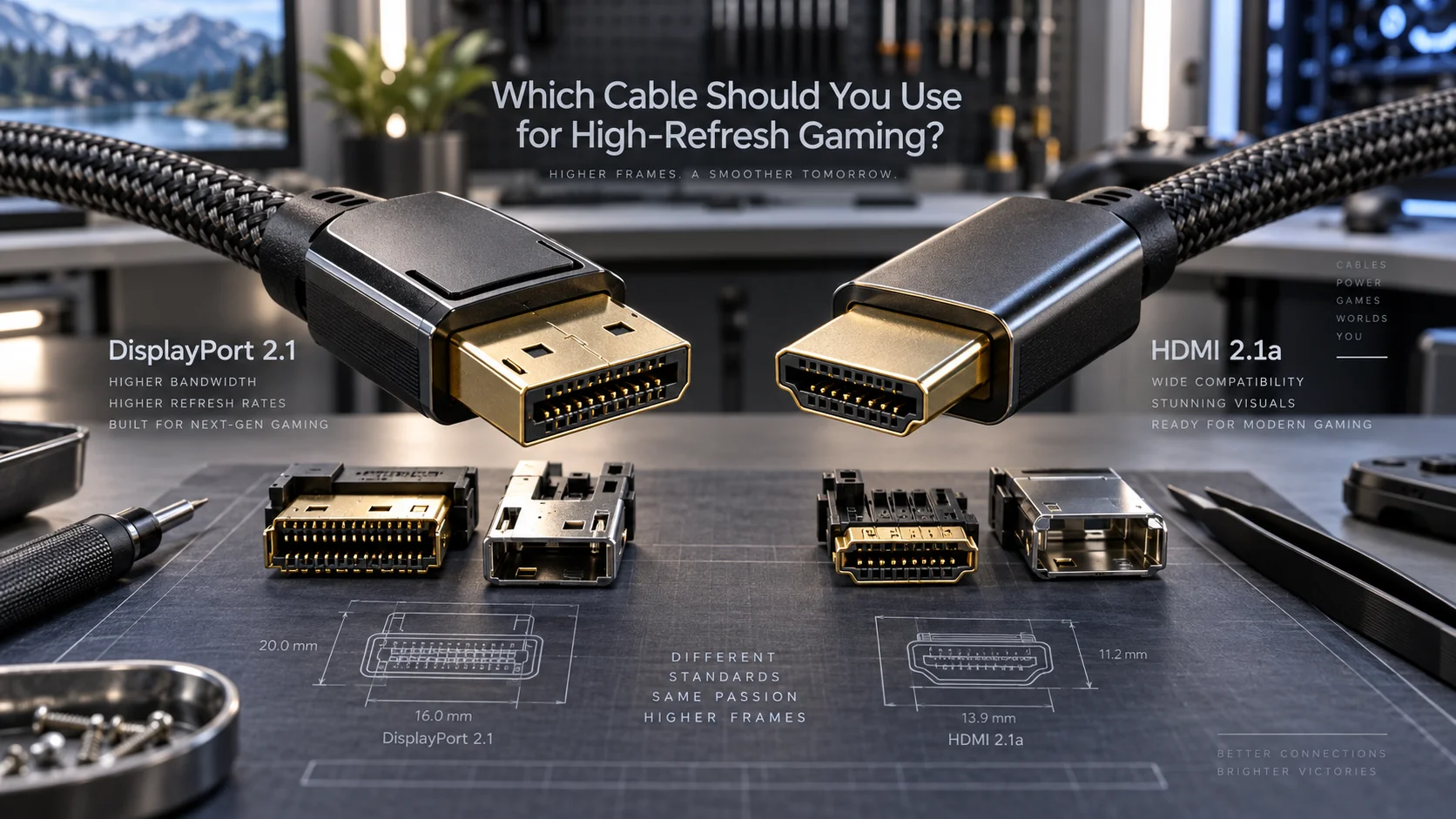
DisplayPort 2.1 vs HDMI 2.1a: Which Cable Should You Use for High-Refresh Gaming?
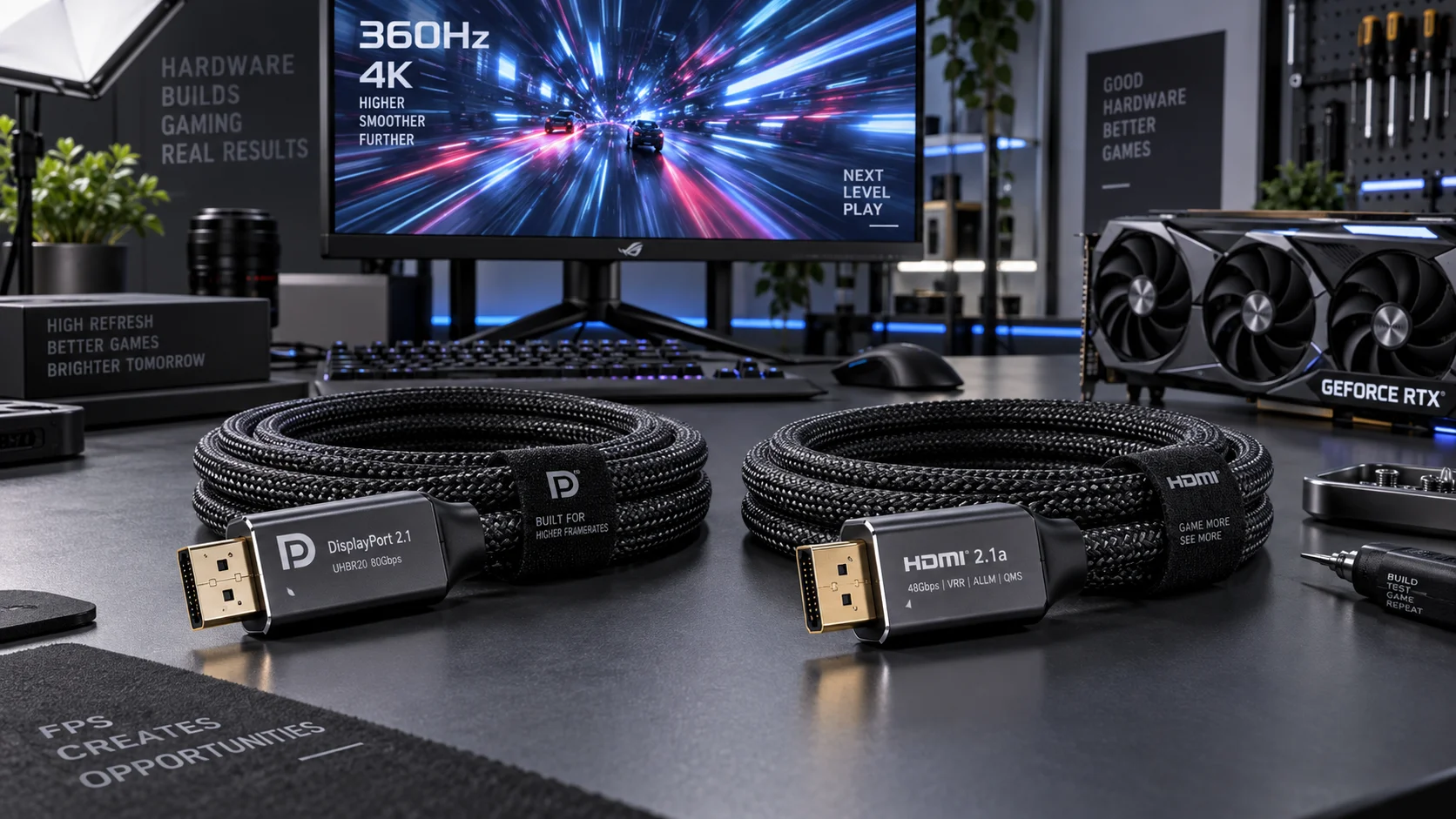
Choosing between DisplayPort 2.1 and HDMI 2.1a is not a cable marketing question — it is a bandwidth, latency, and ecosystem decision with measurable consequences for anyone running a 4K 240 Hz or 8K 60 Hz display. Both standards arrived within roughly the same product generation, both shatter the ceiling of their predecessors, and both are backed by multi-billion-dollar ecosystems. Yet they were engineered for different primary use cases, and conflating them leads to bottlenecked refresh rates, absent variable refresh features, or wasted spending on premium cables that cannot fulfill their rated specs on a given device pairing.
This guide dissects every technically relevant dimension of the two standards: raw bandwidth, lane architecture, protocol overhead, adaptive-sync implementations, HDR tiers, audio return capabilities, and real-world compatibility across GPUs, monitors, and televisions. By the end, the correct cable for your specific setup will be unambiguous.
Understanding the Bandwidth Architecture
Bandwidth is the foundational number from which all other display capabilities are derived. A cable’s maximum bandwidth determines the ceiling for resolution, color depth, refresh rate, and chroma subsampling simultaneously. Neither DisplayPort 2.1 nor HDMI 2.1a operates as a single fixed-bandwidth pipe — both define multiple speed tiers, and real-world performance depends on which tier your source device and display actually implement.
DisplayPort 2.1 Lane Modes
DisplayPort 2.1 is governed by VESA and builds on the UHBR (Ultra High Bit Rate) lane architecture introduced with DisplayPort 2.0. Three transmission modes exist:
- UHBR10: 10 Gbps per lane u00d7 4 lanes = 40 Gbps total, approximately 38.69 Gbps usable after 128b/132b encoding overhead (~1.5% vs the legacy 8b/10b’s 20% overhead).
- UHBR13.5: 13.5 Gbps per lane u00d7 4 lanes = 54 Gbps total, ~52.22 Gbps usable.
- UHBR20: 20 Gbps per lane u00d7 4 lanes = 80 Gbps total, ~77.37 Gbps usable.
The shift to 128b/132b encoding is architecturally significant. Legacy DisplayPort 1.4 used 8b/10b encoding, which consumed 20% of gross bandwidth as overhead. UHBR’s 128b/132b encoding reduces that overhead to roughly 1.5%, which is why DisplayPort 2.1 at UHBR20 delivers nearly double the usable bandwidth of DisplayPort 1.4’s theoretical 32.4 Gbps, despite the gross speed ratio being 2.47u00d7.
HDMI 2.1a Fixed Bandwidth
HDMI 2.1a is a revision of the HDMI 2.1 specification published by the HDMI Forum. It does not introduce a new physical layer — it retains the Fixed Rate Link (FRL) architecture at 48 Gbps gross bandwidth (approximately 42.6 Gbps usable after FRL encoding overhead). The “a” designation adds Source-Based Tone Mapping (SBTM) as the primary new feature, not additional bandwidth.
HDMI’s encoding transition from TMDS (Transition Minimized Differential Signaling, used in HDMI 2.0 and below) to FRL was significant, but HDMI 2.1a’s 48 Gbps ceiling is still 40% below DisplayPort 2.1 UHBR20’s 80 Gbps. That gap has direct consequences at extreme resolutions and refresh rates.
Head-to-Head Specification Comparison
| Specification | DisplayPort 2.1 (UHBR20) | HDMI 2.1a |
|---|---|---|
| Max Gross Bandwidth | 80 Gbps | 48 Gbps |
| Max Usable Bandwidth | ~77.37 Gbps | ~42.6 Gbps |
| Encoding Scheme | 128b/132b (~1.5% overhead) | FRL 16b/18b (~11% overhead) |
| 4K @ 144 Hz, 10-bit HDR | Yes (4:4:4, uncompressed) | Yes (4:4:4, uncompressed) |
| 4K @ 240 Hz, 10-bit HDR | Yes (4:4:4, uncompressed) | Requires DSC compression |
| 8K @ 60 Hz, 10-bit HDR | Yes (4:4:4, uncompressed) | Yes (with DSC) |
| Variable Refresh Rate | Adaptive Sync (native, royalty-free) | VRR (HDMI Forum standard) |
| G-Sync / FreeSync | FreeSync native; G-Sync Compatible via DP | FreeSync via HDMI; G-Sync on select TVs |
| HDR Support | HDR10, HDR10+, Dolby Vision (via adapter) | HDR10, HDR10+, Dolby Vision, SBTM (new) |
| Audio Return Channel | None (video-only protocol) | eARC (Enhanced Audio Return Channel) |
| Consumer Electronics Control | No CEC support | CEC (device control over single cable) |
| Daisy-Chain / MST | Yes (Multi-Stream Transport) | No native MST |
| Licensing / Royalties | Royalty-free (VESA) | Royalty-bearing (HDMI Forum) |
| Typical Connector | DP (full-size), USB-C (DP Alt Mode) | HDMI Type A, HDMI Type D (micro) |
Adaptive Sync and Variable Refresh Rate: The Practical Difference
For competitive gaming, variable refresh rate (VRR) implementation matters as much as peak bandwidth. DisplayPort’s Adaptive Sync mechanism is defined in the VESA specification and is royalty-free, which means monitor manufacturers face no per-unit licensing cost to implement it. AMD’s FreeSync and NVIDIA’s G-Sync Compatible certification programs both sit on top of the underlying Adaptive Sync protocol carried over DisplayPort. The result is broad, interoperable VRR support across the PC monitor ecosystem.
HDMI 2.1’s VRR is a separate, HDMI Forum-defined feature. It works, and modern gaming televisions implement it reliably — but its adoption in the PC monitor segment is sparse. Most gaming monitors under 50 inches are DP-primary devices; their HDMI ports frequently cap out at HDMI 2.0 bandwidth (18 Gbps) even when a physical HDMI 2.1 port is printed on the I/O panel. Verify the monitor’s data sheet, not just the port label, before assuming 48 Gbps HDMI 2.1 bandwidth is present.
This asymmetry connects directly to broader system performance decisions. A GPU running at its thermal limits may throttle clock speed and drop below the VRR floor, causing tearing regardless of interface. Monitoring CPU temperature limits and GPU thermals under sustained load ensures the frame rate stays within the VRR window.
DSC: Compression Is Not Automatically a Problem
Display Stream Compression (DSC) is a visually lossless compression standard defined by VESA and implemented across both DisplayPort 2.1 and HDMI 2.1. At 4K 240 Hz with 10-bit color, HDMI 2.1 does not have sufficient raw bandwidth without DSC — the uncompressed data stream requires approximately 49.65 Gbps, which marginally exceeds HDMI 2.1a’s ~42.6 Gbps usable ceiling. DSC compresses at up to 3:1 ratios with perceptual transparency at normal viewing distances.
DisplayPort 2.1 at UHBR20 handles 4K 240 Hz 10-bit 4:4:4 without compression — the uncompressed stream fits inside the ~77.37 Gbps usable bandwidth. This is relevant for professional content creators or HDR calibration workflows where pixel-level accuracy is non-negotiable. For the majority of gaming use cases, DSC at a 2:1 ratio on HDMI 2.1 is perceptually indistinguishable from uncompressed DP. However, uncompressed is technically superior, and DisplayPort 2.1 is the only path to it at these extreme specifications.
Source-Based Tone Mapping: The HDMI 2.1a Differentiator
The “a” revision’s headline feature is Source-Based Tone Mapping (SBTM). Traditional HDR tone mapping is performed by the display, which may have limited information about scene context and content intent. SBTM shifts tone-mapping decisions to the source device (GPU or media player), which has full scene metadata and can produce a more contextually accurate result for the display’s specific peak brightness and black-floor capabilities.
SBTM is meaningful for streaming and video playback. For gaming, its practical impact is modest today — game engines typically do not generate per-frame dynamic metadata at the granularity SBTM is designed to process. As HDR-native game rendering matures, SBTM could become a differentiating feature. For now, it is a forward-looking advantage for HDMI 2.1a in home theater setups, not a decisive factor for competitive gaming.
Audio, CEC, and the TV vs. Monitor Divide
DisplayPort carries no audio return channel and does not implement CEC (Consumer Electronics Control). In a desktop PC-to-monitor setup, this is irrelevant — audio passes from the GPU to the monitor’s speakers or headphone jack over the forward DisplayPort signal, and CEC is a television-specific automation feature. However, connecting a PC to a living-room television via DisplayPort requires an active adapter and loses eARC and CEC functionality entirely.
HDMI 2.1a’s eARC support allows a single cable to carry lossless Dolby Atmos and DTS:X audio from the TV back to an AV receiver or soundbar. CEC enables a single remote control to manage power, volume, and input selection across multiple devices. These features are irrelevant on a gaming monitor and essential in a home theater context. The correct interface for a PC-to-TV gaming rig is HDMI 2.1a, with no meaningful trade-off in VRR or HDR for that use case.
GPU and Monitor Compatibility: What Is Actually Shipping
DisplayPort 2.1 UHBR20 is supported on AMD Radeon RX 7000 series (RDNA 3) GPUs and NVIDIA RTX 40 series GPUs. On the NVIDIA side, Ada Lovelace architecture implements full UHBR20 capability on its DisplayPort 2.1 outputs. Intel Arc Alchemist (A-series) supports DisplayPort 2.0 UHBR10, covering 40 Gbps. Monitors with UHBR20 controllers are emerging from ASUS ROG, Samsung, and LG in the 4K 240 Hz and QD-OLED segments.
HDMI 2.1 (48 Gbps) is available on all of the above GPU families and is the standard interface on PlayStation 5, Xbox Series X, and Samsung/LG/Sony gaming televisions. The full HDMI 2.1a feature set (specifically SBTM) requires firmware or hardware support on both the source and display — not all devices marketed as HDMI 2.1 implement the complete 2.1a feature set.
Before assuming full-spec operation, verify GPU driver state. A corrupted or outdated driver can suppress negotiated link rates and cause a UHBR20 connection to fall back to UHBR10 or even HBR3 (DisplayPort 1.4 speeds). Performing a GPU driver clean install via DDU eliminates this variable before blaming cable or hardware limitations.
System-level bottlenecks extend beyond the display interface. PCIe bandwidth between the GPU and CPU affects multi-monitor bandwidth allocation in MST configurations; reviewing PCIe 5.0 compatibility confirms whether your platform fully supports the GPU’s peak PCIe throughput. Similarly, memory subsystem latency — covered in detail under RAM speed and timings — directly affects minimum frame rate stability, which determines whether VRR provides a smooth experience or frequently drops below its operational floor.
Cable Quality and Certification: Avoiding the Counterfeit Trap
A DisplayPort 2.1 UHBR20 cable certified by VESA must pass a 40 Gbps per-lane signal integrity test. Physical cable quality at these frequencies is non-trivial — skin effect, dielectric losses, and connector impedance matching all degrade signal quality over length. VESA’s DP40 and DP80 certification marks (for UHBR10/13.5 and UHBR20 respectively) are the reliable verification method. Uncertified cables marketed as “DisplayPort 2.1” may only maintain UHBR10 signal integrity, capping real-world bandwidth at 40 Gbps despite labeling.
HDMI’s Ultra High Speed certification program (48 Gbps) uses a similar third-party verification approach. Look for the “Ultra High Speed HDMI Cable” label with the HDMI licensing administrator’s hologram. Generic “HDMI 2.1” cables without this certification frequently fail signal integrity tests at full 48 Gbps link rates, particularly at lengths above 1.5 meters.
Passive copper cables are rated up to 2 meters at UHBR20 for DisplayPort and approximately 2 meters at 48 Gbps for HDMI. Beyond these lengths, active optical cables (AOC) or active copper cables with integrated redrivers are required to maintain signal integrity. Thermal management of the system delivering frames also interacts here — thermal throttling caused by improper thermal paste application can introduce frame pacing irregularities that appear indistinguishable from cable signal errors in diagnostic tools.
Decision Matrix: Which Interface for Which Setup
Choose DisplayPort 2.1 when:
- Your GPU and monitor both carry DP 2.1 UHBR20 ports and you are targeting 4K 240 Hz or higher with uncompressed 10-bit color.
- You run an AMD or NVIDIA GPU with a FreeSync Premium Pro or G-Sync Compatible monitor and require certified VRR operation.
- You need Multi-Stream Transport to drive two or more monitors from a single GPU output.
- You run a professional workflow where uncompressed pixel data is a calibration or legal requirement.
Choose HDMI 2.1a when:
- Your display is a television — 55 inches or larger, used at living-room distances, connected to an AV receiver via eARC.
- You are connecting a console (PS5, Xbox Series X) that lacks a DisplayPort output entirely.
- You require CEC automation across a multi-device home theater stack.
- Your monitor lacks a UHBR20 DP port but carries a full 48 Gbps HDMI 2.1 port, making HDMI the higher-bandwidth option on that specific device.
Final Verdict
DisplayPort 2.1 UHBR20 is the technically superior interface for high-refresh PC gaming by every bandwidth and latency metric: 80 Gbps gross versus 48 Gbps, royalty-free adaptive sync versus licensed VRR, uncompressed 4K 240 Hz versus DSC-compressed HDMI. HDMI 2.1a is not a flawed standard — it is a purpose-built home theater protocol with eARC, CEC, Dolby Vision, and SBTM features that DisplayPort was never designed to provide.
The correct answer is ecosystem-driven, not spec-sheet-driven. A PC gamer with an RTX 4090 and a 4K 240 Hz OLED gaming monitor should use a VESA-certified DP80 cable. That same gamer connecting a secondary display — a 65-inch OLED TV across the room — should run a certified Ultra High Speed HDMI 2.1a cable. Both cables belong in a serious gaming setup. Neither is universally superior to the other outside their intended deployment context.