DLSS vs FSR vs XeSS: Modern AI Upscaling & Frame Generation Compared (2026)
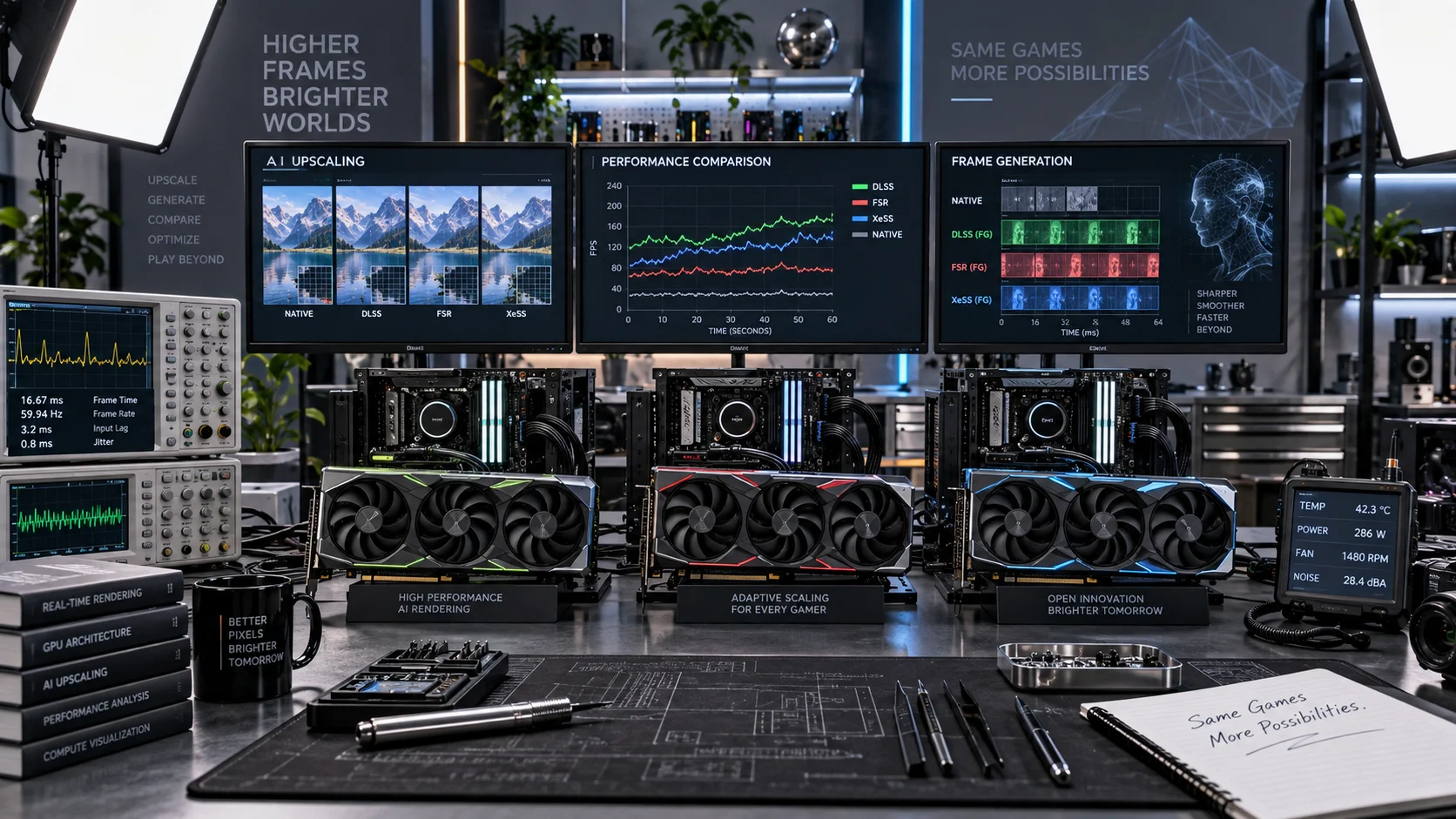
Rendering every frame at native 4K is increasingly impractical as ray tracing and path tracing workloads multiply. Temporal upscaling and AI-assisted frame generation have moved from novelty to essential infrastructure inside every major game engine. NVIDIA’s Deep Learning Super Sampling (DLSS), AMD’s FidelityFX Super Resolution (FSR), and Intel’s Xe Super Sampling (XeSS) represent three architecturally distinct answers to the same problem: extract maximum perceived resolution and frame rate from a finite GPU budget. This guide dissects each technology at the algorithm, hardware, and practical image-quality level so you can make an informed platform decision heading into 2026.
How Each Upscaling Technology Works
Understanding the underlying architecture matters because it directly explains quality differences, hardware lock-in, and latency behavior.
DLSS 3.5 — Tensor-Core Neural Rendering
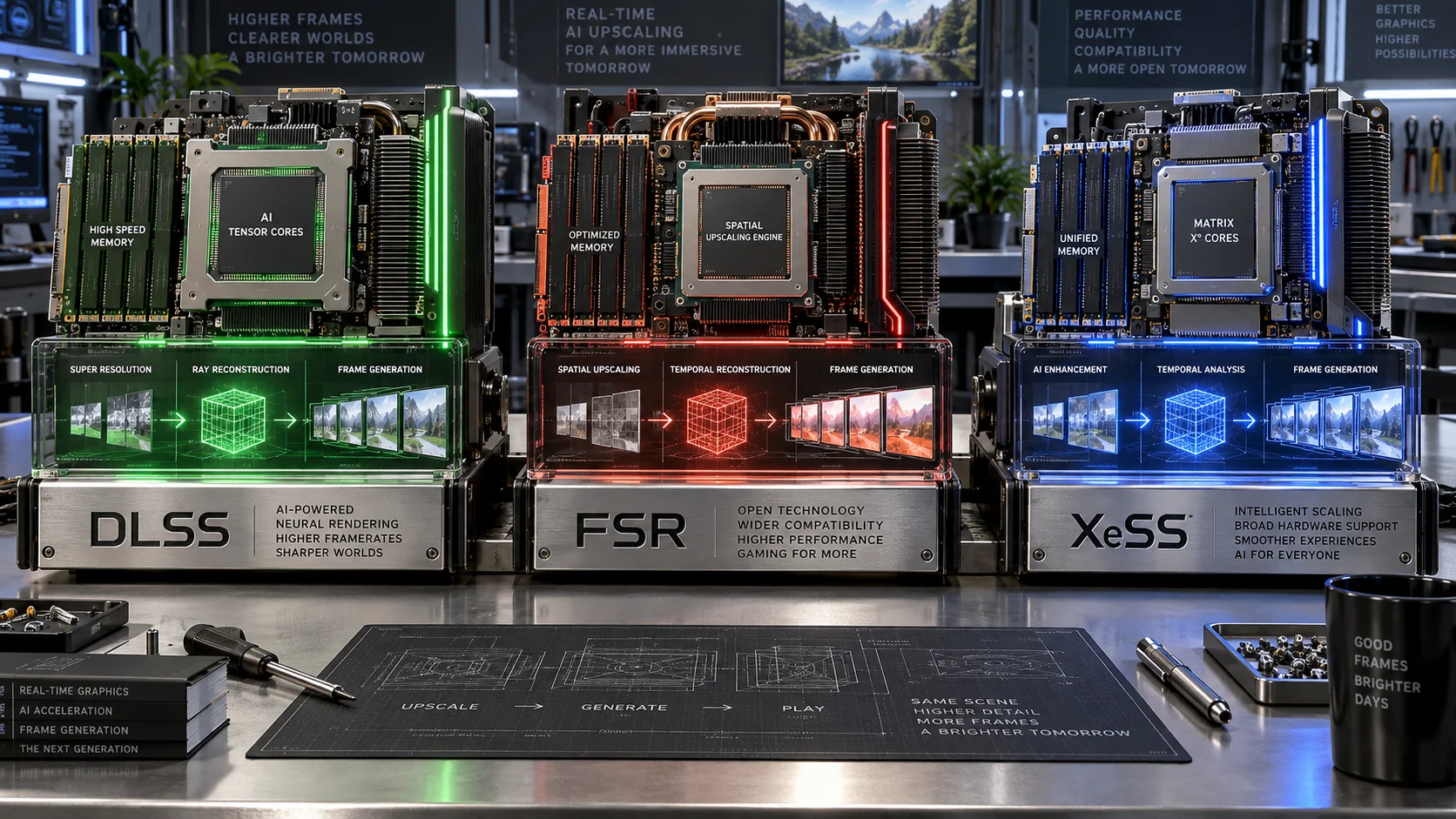
DLSS uses dedicated Tensor Cores present only on RTX-series GPUs (Turing and later). The upscaling stage (Super Resolution) feeds a convolutional neural network trained on high-resolution ground-truth images. The network accumulates motion-vector data across multiple low-resolution frames, reconstructs fine detail, and outputs a temporally stable high-resolution result. DLSS 3 added Frame Generation, which synthesizes entirely new intermediate frames using an Optical Flow Accelerator — a dedicated fixed-function block on RTX 40-series and above. DLSS 3.5 introduced Ray Reconstruction, replacing the denoiser in ray-traced pipelines with a second neural network trained on path-traced reference data, significantly reducing ghosting and noise in reflections and global illumination.
The trade-off is hard lock-in: Super Resolution requires RTX 20-series or newer; Frame Generation requires RTX 40-series or newer; Ray Reconstruction requires RTX 40-series. No other GPU family can run DLSS. Before enabling DLSS or any upscaling feature, verify GPU driver health with a GPU driver clean install to avoid rendering artifacts caused by stale shader caches.
FSR 4 — AMD’s ML-Accelerated Open Standard
FSR 1 was a pure spatial upscaler with no temporal component — effective but visually limited. FSR 2 introduced temporal accumulation with motion vectors, closing the quality gap with DLSS Super Resolution substantially. FSR 3 added Frame Interpolation using optical flow running on shader cores, meaning any DirectX 11/12 or Vulkan GPU — including NVIDIA and Intel parts — could access frame generation without vendor-exclusive hardware.
FSR 4, shipping in 2025 and broadly adopted in 2026, moves upscaling to a machine-learning model running on AMD’s AI accelerators (RDNA 4 and later), producing significantly sharper results than the temporal algorithm while retaining the open-ecosystem commitment. On non-AMD hardware FSR 4 falls back to the FSR 2-class temporal path, preserving compatibility. The open-source GPUOpen codebase means engine developers can audit, fork, and optimize the implementation — a major enterprise adoption driver. FSR also has zero dependencies on proprietary fixed-function blocks, making it attractive on platforms where PCIe 5.0 compatibility and total-cost-of-ownership matter more than maximum single-vendor performance.
XeSS 2 — Intel’s Hybrid Approach
XeSS uses a neural network upscaler that runs optimally on Intel’s XMX (Xe Matrix eXtensions) AI accelerator cores present on Arc Alchemist (A-series) and Battlemage (B-series) GPUs. On non-Intel hardware, XeSS falls back to a DP4a (dot-product) optimized path available on most modern discrete GPUs, or a generic compute path. XeSS 2 introduced its own Frame Generation implementation, competitive with DLSS 3 and FSR 3 in latency overhead and artifact frequency when running on Arc hardware.
Intel’s biggest challenge has been software ecosystem breadth: game support lags DLSS and FSR by a meaningful margin, though the gap has narrowed as Intel has funded developer integrations aggressively. XeSS integrates directly with DirectX 12 Ultimate feature sets, aligning with the same bandwidth and latency considerations that affect RAM speed and timings in CPU-GPU communication pipelines.
Full Comparison: DLSS vs FSR vs XeSS (2026)
| Attribute | DLSS 3.5 (NVIDIA) | FSR 4 (AMD) | XeSS 2 (Intel) |
|---|---|---|---|
| Algorithm Type | Deep learning (CNN) + temporal | ML model (RDNA 4) / temporal fallback | Neural network (XMX) / DP4a fallback |
| Hardware Requirement | NVIDIA RTX only (Tensor Cores) | Any DX11/DX12/Vulkan GPU | Any modern GPU (best on Arc XMX) |
| Frame Generation | RTX 40-series+ (Optical Flow ASIC) | Any GPU (shader-based optical flow) | Arc Battlemage+ optimal; broader support |
| Ray Reconstruction | Yes (RTX 40-series+) | No | No |
| Image Quality (native render) | Excellent — best-in-class at Quality mode | Very Good (RDNA 4); Good (other HW) | Very Good (Arc); Adequate (other HW) |
| Ghosting / Trailing | Low (RR mitigates significantly) | Low-Medium (FSR 4 improved) | Low on Arc; Medium on fallback path |
| Latency Impact (Frame Gen) | +1 frame (mitigated by Reflex 2) | +1–2 frames (Anti-Lag+ recommended) | +1 frame (LatencyFlex integration) |
| Open Source | No | Yes (GPUOpen) | Partial (SDK open, model weights closed) |
| Game Support (2026) | 500+ titles | 400+ titles | 150+ titles |
| Console / Non-PC Support | No | Yes (PS5 FSR integration) | No |
| API Integration | NVAPI / Streamline | DX12 / Vulkan / GDK | DX12 / Vulkan / XeSS SDK |
Upscaling Quality Modes Explained
All three technologies share comparable quality presets, though the internal render resolution percentages differ slightly. Understanding these modes lets you balance visual fidelity against raw frame-rate gains.
- Native AA / Quality (67–77% render scale): Minimal artifact risk; recommended for 1440p or 4K displays where image stability matters more than frame count headroom.
- Balanced (58–67%): The practical sweet spot for most gaming scenarios. Temporal reconstruction is sufficiently reliable that fine detail is preserved in most game art styles.
- Performance (50%): Halves pixel count in each dimension; reconstruction artifacts become visible in high-frequency geometry (chain-link fences, foliage edges). Acceptable at 4K output, problematic at 1080p output.
- Ultra Performance (33%): Designed exclusively for 8K output or extreme frame-rate boosting. Ghosting and shimmer are significant at 4K and below. Pair only with Frame Generation to maintain perceived smoothness.
Thermal behavior deserves attention when running Frame Generation at Ultra Performance: synthesizing additional frames increases sustained GPU compute load. Monitor sustained GPU clock stability and ensure your cooling solution is sized correctly — consult CPU temperature limits as a reference baseline for acceptable silicon thermal margins, and verify your GPU compound hasn’t degraded (refreshing thermal paste application on older cards can recover 5–10°C under sustained upscaling load).
Frame Generation: Real Frames vs. Synthetic Frames
Frame Generation is the most commercially impactful — and most misunderstood — feature in this space. It does not render additional frames from the 3D scene; it interpolates a synthetic frame between two real rendered frames using optical flow analysis of pixel motion. The performance number displayed on-screen (e.g., “240 FPS”) reflects the output frame rate, not the native render rate. This distinction has direct gameplay implications.
Input latency is determined by the native render rate, not the output frame rate. A GPU rendering 60 native FPS with Frame Generation outputting 120 FPS has the latency profile of a 60 FPS scenario, not 120 FPS. NVIDIA partially offsets this with NVIDIA Reflex 2, which aggressively manages CPU-GPU pipelining to reduce the latency delta. AMD’s Anti-Lag+ serves the equivalent role in the FSR ecosystem. For competitive multiplayer, native frame rate optimization remains more important than Frame Generation-assisted totals.
Frame Generation delivers genuine value in single-player titles with heavy path tracing — Cyberpunk 2077 with full RT Overdrive, Alan Wake 2, and Indiana Jones and the Great Circle are representative examples where native render rates drop into the 40–55 FPS range on mid-tier hardware and Frame Generation restores perceptual smoothness without sacrificing ray-traced image quality.
Practical Decision Framework by GPU
NVIDIA RTX 40-Series and 50-Series Owners
Use DLSS as the default in every supported title. Ray Reconstruction should be enabled whenever the game exposes the option within a ray-traced or path-traced pipeline — the neural denoiser produces measurably fewer fireflies and more temporally stable reflections than FSR or XeSS can offer. Frame Generation on these cards uses a dedicated fixed-function optical flow block rather than shader cores, freeing compute resources and reducing frame generation overhead compared to software implementations.
AMD RDNA 3 and RDNA 4 Owners
FSR 4 is the primary choice on RDNA 4 hardware (RX 9000 series) where the ML upscaler runs natively on AI accelerators. On RDNA 3 (RX 7000 series), FSR 2-class temporal upscaling applies; the quality is competitive with DLSS Quality mode in most titles. FSR’s universal Frame Generation means no capability gaps regardless of game vendor. Enable AMD Anti-Lag+ in the AMD Software panel whenever Frame Generation is active to recover input latency. For detailed information on AMD’s hardware ecosystem design choices, refer to AMD’s official FSR technology page.
Intel Arc Battlemage Owners
XeSS 2 on Battlemage GPUs with XMX acceleration delivers image quality that benchmarks within 2–4% of DLSS Quality mode in direct pixel-level comparisons — a remarkable achievement for a second-generation implementation. The limiting factor remains software support: check XeSS game compatibility lists before purchasing a title expecting full feature parity. In unsupported titles, FSR (which runs on Arc hardware without penalty) is the correct fallback.
Mixed or Older Hardware
On GTX 16-series, RX 5000/6000, or integrated graphics, FSR 2’s temporal path is the only upscaling option that delivers temporal stability without vendor-specific acceleration. FSR 1 and XeSS DP4a fallback are viable spatial alternatives. Frame Generation on non-dedicated-block hardware consumes shader resources, reducing the net gain — benchmark before committing to Frame Generation at lower native resolutions where shader headroom is constrained.
Integration, Driver Management, and Known Issues
All three upscaling systems depend on accurate per-frame motion vectors supplied by the game engine. Poor motion vector implementation — a common source of artifacts in early or poorly optimized integrations — produces ghosting behind moving objects regardless of which upscaler is active. This is a game-side defect, not a technology defect. When evaluating upscaling quality in a new title, cross-reference community reports before attributing artifacts to the upscaling algorithm itself.
Driver-level upscaling wrappers (NVIDIA Image Scaling, AMD RSR) apply spatial upscaling outside the game pipeline. These are fundamentally inferior to in-engine temporal upscaling — they have no access to motion vectors or depth buffers — and should not be compared to DLSS Super Resolution, FSR 2+, or XeSS in quality discussions. Use them only when no in-engine integration exists.
Always perform a clean driver installation when switching GPU vendors or after major upscaling SDK updates — residual shader cache entries from a previous driver version can cause visual corruption with new upscaling features. The standard procedure is covered in the guide on GPU driver clean install.
Conclusion: Which Technology Wins in 2026?
There is no universal winner — the correct answer is hardware-dependent. DLSS 3.5 with Ray Reconstruction remains the highest absolute image quality option for RTX 40/50 users in supported titles, and its Tensor Core and Optical Flow ASIC architecture provides the most efficient Frame Generation implementation available. FSR 4 has closed the quality gap substantially on RDNA 4 hardware and retains its decisive advantage in ecosystem breadth, console reach, and vendor neutrality. XeSS 2 has matured into a genuinely competitive upscaler on Arc hardware, though its game library still needs continued growth to be a primary selection criterion for most buyers.
For most consumers purchasing a GPU in 2026, the upscaling technology follows the GPU choice — not the other way around. Evaluate raw rasterization performance, ray tracing efficiency, driver stability, and price-per-frame at your target resolution first. The upscaling ecosystem on whichever GPU you select is now mature enough that image quality differences within the same quality preset tier are marginal in the majority of shipping titles.