Z890 vs B860 vs X870 vs B850: Motherboard Chipsets Compared for 2026
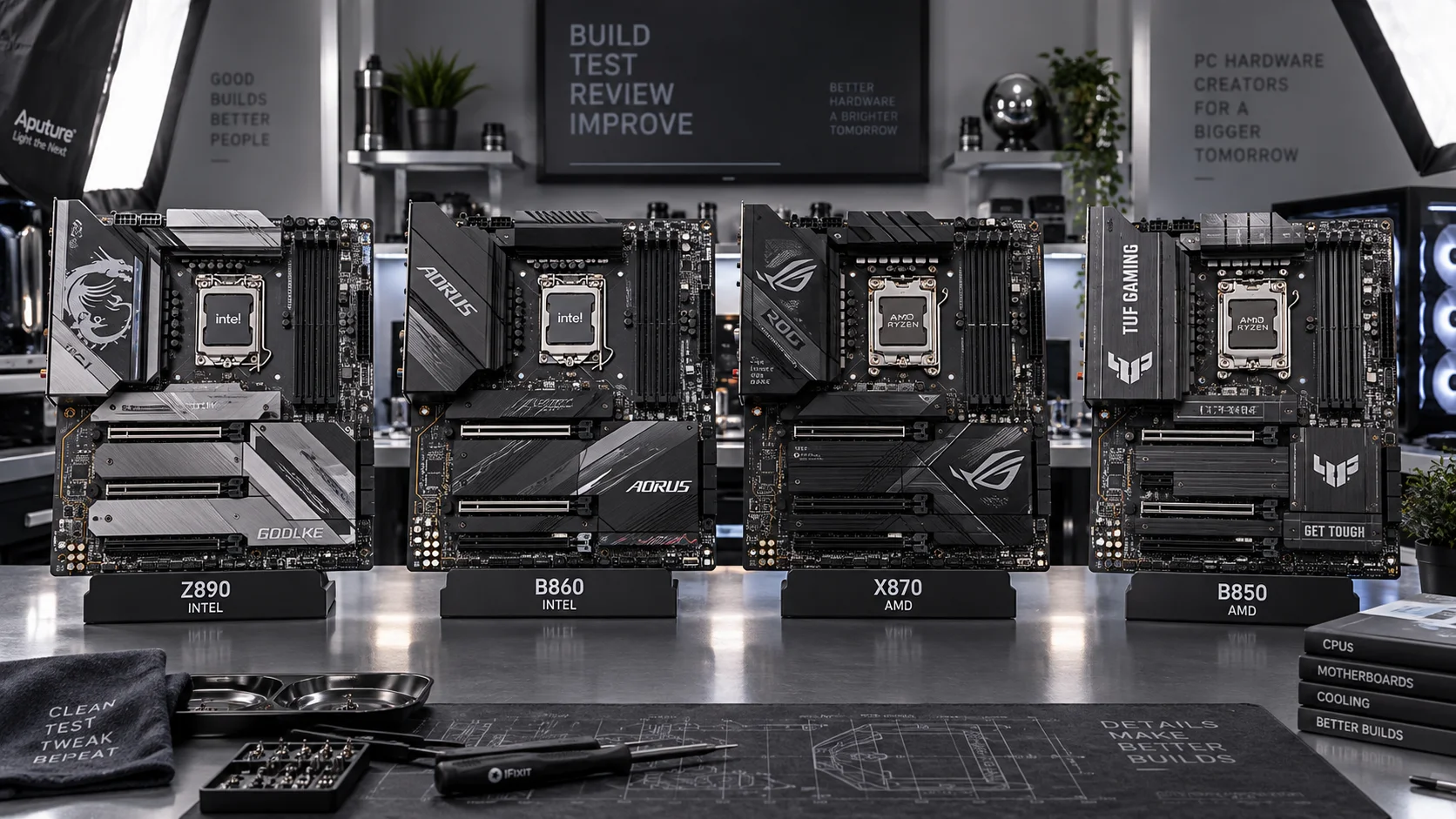
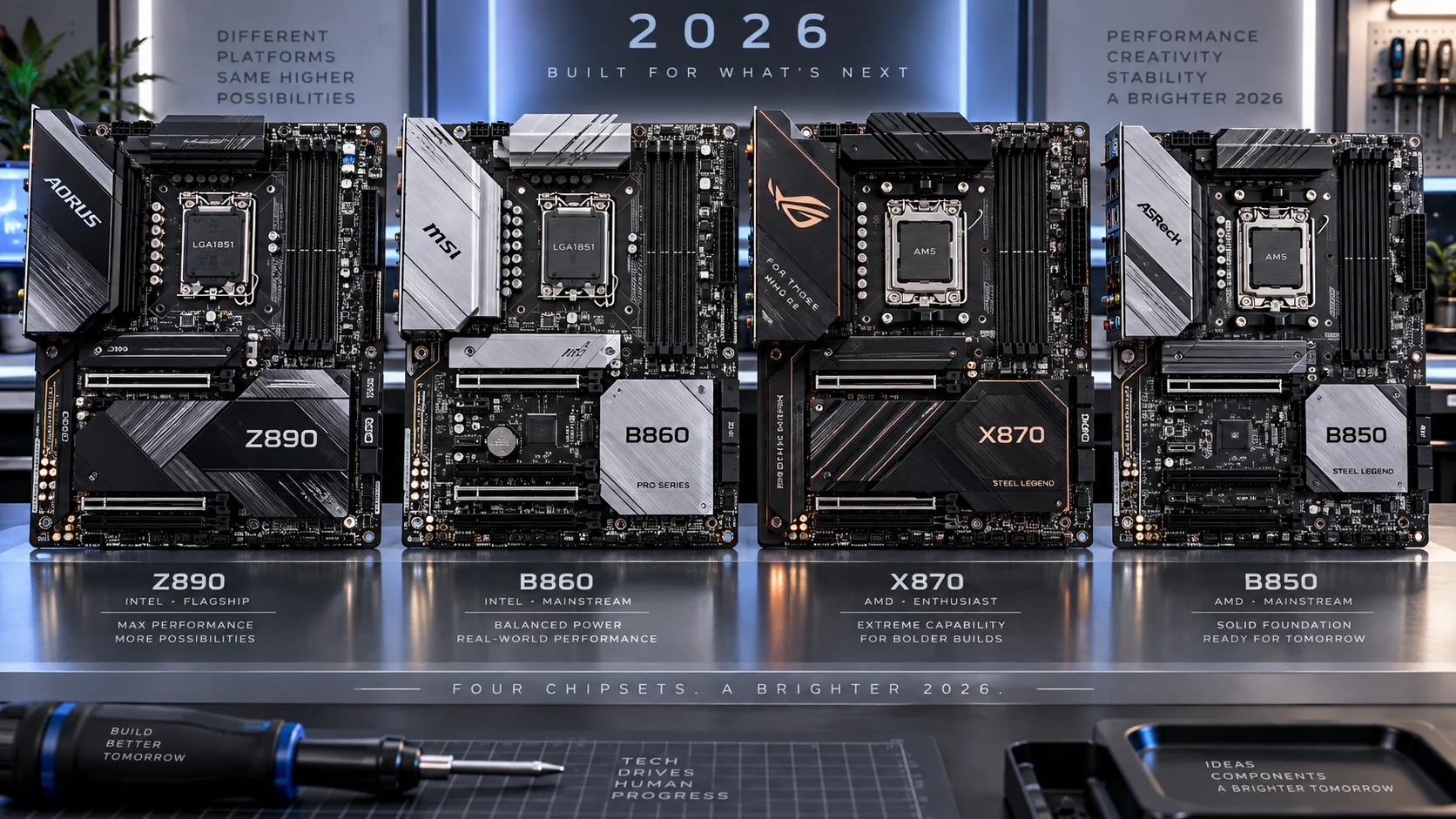
Selecting a motherboard chipset in 2026 means navigating two distinct platform ecosystems — Intel’s LGA1851 socket with Arrow Lake and AMD’s AM5 socket with Ryzen 9000 — each fielding a flagship and a mainstream chipset tier. Z890 and B860 serve Intel buyers; X870 and B850 serve AMD buyers. Each pairing covers the same philosophical split: full unlocked control versus cost-optimized capability. Understanding exactly where the lines are drawn determines whether you overpay for features you will never use or undersell your build by saving $50 on a board that bottlenecks your upgrade path.
This guide breaks down every architectural difference, lane allocation, overclocking boundary, and real-world use-case implication across all four chipsets. The data is drawn from published Intel and AMD specification sheets, board partner engineering documentation, and hands-on platform evaluation.
Platform Architecture: Intel LGA1851 vs AMD AM5
Before comparing chipsets directly, the underlying CPU socket architecture shapes what each chipset can and cannot deliver. Intel’s Arrow Lake on LGA1851 uses a disaggregated tile design separating the compute, GPU, SoC, and I/O tiles. AMD’s Ryzen 9000 on AM5 continues the monolithic Zen 5 die with integrated I/O die borrowed from the EPYC lineage. Both platforms mandate DDR5 exclusively — DDR4 support is absent on all four chipsets. Both platforms support PCIe 5.0 on the primary x16 slot, making PCIe 5.0 compatibility a baseline expectation rather than a premium feature.
The CPU-to-chipset link bandwidth differs between ecosystems. Intel uses a DMI 4.0 x8 link between the Arrow Lake CPU and the Z890/B860 PCH, yielding approximately 16 GB/s bidirectional. AMD uses a PCIe 4.0 x4 link between the Ryzen 9000 CPU and the X870/B850 FCH, yielding roughly 8 GB/s — a meaningful distinction when multiple NVMe drives, USB4 controllers, and high-bandwidth peripherals compete for that pipe simultaneously.
Full Chipset Comparison Table: Z890 vs B860 vs X870 vs B850
| Feature | Z890 (Intel) | B860 (Intel) | X870 (AMD) | B850 (AMD) |
|---|---|---|---|---|
| Socket | LGA1851 | LGA1851 | AM5 | AM5 |
| CPU Generation | Arrow Lake (Core Ultra 200) | Arrow Lake (Core Ultra 200) | Ryzen 9000 / 7000 | Ryzen 9000 / 7000 |
| CPU Overclocking | Yes (full) | No | Yes (full) | Yes (full) |
| Memory Overclocking (XMP/EXPO) | Yes | Yes | Yes | Yes |
| DDR5 Memory Support | Yes | Yes | Yes | Yes |
| PCIe 5.0 GPU Lane (CPU) | x16 | x16 | x16 | x16 |
| PCIe 5.0 M.2 (CPU) | x4 | x4 | x4 | x4 |
| Chipset PCIe 4.0 Lanes | 24 | 14 | 20 | 12 |
| Max USB4 40Gbps Ports | 2 | 0 (board-dependent) | 2 (required) | 1 (required) |
| Max USB 3.2 Gen 2×2 (20Gbps) | 5 | 2 | 2 | 2 |
| SATA Ports (Chipset) | Up to 8 | Up to 4 | Up to 8 | Up to 4 |
| Multi-GPU (AMD CrossFire / SLI) | Yes (x8/x8) | No | No | No |
| CPU-to-PCH Link | DMI 4.0 x8 | DMI 4.0 x8 | PCIe 4.0 x4 | PCIe 4.0 x4 |
| Thunderbolt 4 / USB4 Required | No (optional) | No (optional) | Yes (mandatory) | Yes (mandatory) |
| Typical Board Price Range | $250–$800+ | $130–$280 | $200–$600+ | $120–$250 |
Z890: Intel’s Flagship Chipset Decoded
Z890 sits at the top of Intel’s LGA1851 hierarchy and is the only chipset in the Arrow Lake lineup that permits CPU core ratio overclocking. Paired with an unlocked Core Ultra 200K or 200KF processor, Z890 boards expose full access to P-core, E-core, and ring bus multipliers through BIOS voltage and frequency controls. Enthusiast builders who want to push a Core Ultra 9 285K past Intel’s boost algorithm will find Z890 the only viable platform for that work.
Beyond overclocking, Z890’s chipset PCH delivers 24 PCIe 4.0 lanes downstream, enabling board partners to populate three or four M.2 slots at full PCIe 4.0 x4 bandwidth simultaneously alongside additional x1 slots for network cards and controllers. The DMI 4.0 x8 uplink to the CPU provides 16 GB/s — enough headroom to run dual NVMe Gen4 drives, a 10GbE NIC, and USB4 controllers without measurable saturation under real workloads. Monitoring CPU temperature limits under extended overclocking sessions remains essential; Z890 boards with robust VRM designs are specifically engineered to sustain the elevated power states that manual overclocking generates.
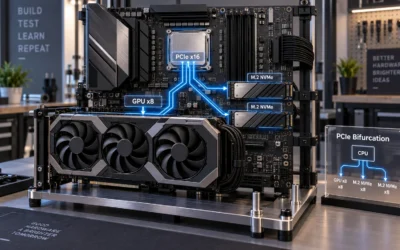
Z890 also supports x8/x8 PCIe 5.0 lane bifurcation from the CPU, enabling two-card configurations for professional visualization or compute workloads — the only chipset in this group retaining that capability.
B860: Intel’s Mid-Range Gets Surprisingly Capable
B860 deliberately removes CPU core overclocking — the defining restriction Intel imposes to segment its lineup — but retains XMP 3.0 memory profile support, allowing DDR5 kits rated at 6400 MT/s or higher to run at rated speeds. For the overwhelming majority of gaming and content creation workloads, a locked Core Ultra 7 265 on B860 delivers performance within one to three percent of the same CPU manually tuned on Z890, because Arrow Lake’s boost algorithm already extracts near-ceiling single-core performance autonomously.
The chipset PCH lane reduction to 14 PCIe 4.0 lanes is the more consequential cut. Budget B860 designs may offer only two M.2 slots with the third and fourth slots sharing or dropping to PCIe 3.0 speeds. Buyers planning to run three high-performance NVMe drives plus discrete connectivity cards must verify individual board specifications rather than assuming chipset-level maximums will be fully populated. Understanding RAM speed and timings matters here because B860’s XMP support means memory performance is not a distinguishing limitation — the platform fully exploits high-speed DDR5 kits.
X870: AMD’s Feature-Mandatory Flagship
X870 occupies AMD’s top AM5 tier with a critical structural difference from Intel’s approach: AMD mandates minimum I/O specifications at the chipset certification level. Every X870 board must include at least two USB4 40Gbps ports natively. This means consumers buying any X870 board — regardless of brand or price — receive guaranteed USB4 connectivity without examining individual port lists. Combined with PCIe 5.0 x16 for the GPU and PCIe 5.0 x4 for the primary M.2 slot, X870 delivers a consistently high I/O floor across the entire product stack.
X870 fully unlocks CPU overclocking for all Ryzen 9000 and Ryzen 7000 series processors — AMD’s open overclocking policy means even B850 boards retain this capability, which is a fundamental philosophical difference from Intel’s locked/unlocked model. X870’s 20 chipset PCIe 4.0 lanes support dense M.2 and expansion configurations comparable to Z890. Builders running multiple PCIe 4.0 NVMe drives alongside a capture card and high-speed NIC will find X870 boards comfortably accommodating. Proper thermal paste application on AM5 remains particularly important given Ryzen 9000’s integrated heat spreader geometry and the high power densities achievable when precision boost overdrive is enabled.
AMD’s official platform specifications are documented at AMD’s Ryzen desktop processor page, where chipset compatibility matrices and memory support lists are maintained and updated.
B850: AMD’s Most Compelling Value Proposition
B850 makes a compelling case that most buyers overinvest in chipset tier. Unlike Intel’s B860, which locks CPU overclocking entirely, B850 retains full CPU multiplier access for all Ryzen 9000 processors. A builder pairing a Ryzen 9 9900X with a $150 B850 board loses nothing in overclocking capability compared to an X870 board costing $350. The distinction narrows to PCIe lane count (12 vs 20), USB4 port requirements (one vs two mandatory), and SATA port allocation (four vs eight).
B850 mandates at least one USB4 40Gbps port per AMD specification — a floor that no Intel B860 board is required to meet. This makes B850 particularly attractive for users with USB4 docks, high-resolution displays over USB-C, or external NVMe enclosures who want guaranteed connectivity without paying X870 premiums. After completing a build on either AM5 tier, a GPU driver clean install via DDU is recommended to eliminate any residual driver state from previous GPU generations before benchmarking or gaming sessions.
Cross-Platform Decision Framework
Choose Z890 if:
- You are running an unlocked Intel Core Ultra 200K/KF processor and intend to manually overclock P-cores or the ring bus.
- Your build requires three or four M.2 drives at full PCIe 4.0 x4 bandwidth simultaneously alongside multiple expansion cards.
- Dual-GPU professional workloads require x8/x8 PCIe 5.0 bifurcation from the CPU.
- You need the maximum USB 3.2 Gen 2×2 port density available on an Intel platform.
Choose B860 if:
- You are building with a locked Intel Core Ultra 200 (non-K) processor where CPU overclocking is irrelevant by design.
- Your storage configuration requires no more than two high-speed M.2 drives.
- Budget is a primary constraint and the $80–$120 price delta versus entry Z890 boards is material to the overall build cost.
Choose X870 if:
- Guaranteed USB4 port density (two ports minimum) across any board you purchase matters for your peripheral ecosystem.
- You are building a high-end workstation requiring maximum chipset PCIe lane availability alongside full CPU overclocking.
- Future CPU upgrade path across AM5’s extended lifecycle is a priority and you want a board that handles top-tier Ryzen SKUs without VRM limitations.
Choose B850 if:
- You want full Ryzen 9000 CPU overclocking capability without paying X870 board premiums — B850 does not restrict this.
- One USB4 port satisfies your connectivity requirements and you do not need the denser chipset lane allocation of X870.
- Maximum value per dollar on the AM5 platform is the primary design goal; B850 represents the highest capability-to-cost ratio in this entire group.
What Does Not Differentiate These Chipsets
Several capabilities that buyers assume are tier-gated are actually uniform across all four chipsets. PCIe 5.0 x16 for the primary GPU slot is CPU-delivered on all platforms — the chipset has no bearing on graphics slot generation. DDR5 support is universal and mandatory. XMP 3.0 and EXPO memory profile execution is available on B860 and B850 as well as their flagship counterparts. Intel Optane support has been discontinued platform-wide and is not a differentiating factor for any 2026 build.
The practical implication: a buyer chasing GPU performance improvement by moving from B860 to Z890 will find zero frame rate benefit. The GPU connects directly to the CPU’s PCIe 5.0 lanes on both platforms. Chipset selection affects storage, connectivity, overclocking ceiling, and I/O expandability — not primary graphics throughput.
Final Recommendation Summary
For Intel builders, Z890 justifies its premium only when CPU overclocking or extreme M.2/expansion density is the explicit goal. B860 is the rational choice for locked-processor builds and covers the vast majority of gaming and prosumer use cases without compromise. For AMD builders, B850’s retention of full CPU overclocking fundamentally erodes X870’s value proposition for anyone not requiring the additional chipset lanes or the second mandatory USB4 port. X870 remains the correct choice for dense workstation configurations and users who value guaranteed I/O specifications without per-board validation.
Both ecosystems support modern DDR5 kits, PCIe 5.0 primary slots, and USB4 in some form. The 2026 motherboard decision reduces to overclocking philosophy, lane density requirements, and I/O guarantee levels — not platform-level capability gaps that once defined chipset generation choices.