Why AMD 3D V-Cache Redefines Gaming Performance
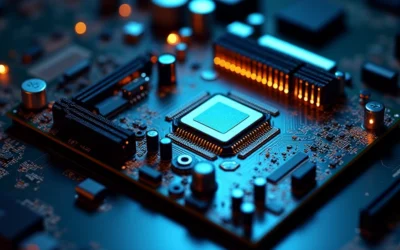
AMD’s 3D V-Cache is the single most impactful architectural innovation for gaming CPUs in over a decade, and the amd 3d vcache explained story begins with a simple physics problem: the CPU core is fast, but the memory feeding it is slow. Every modern processor hides this latency gap with a hierarchy of caches — tiny, blazing-fast SRAM blocks that sit physically close to the cores. The problem is that cache capacity is limited by the two-dimensional surface area of the silicon die. AMD’s answer was to stack a third dimension of cache vertically, using advanced chiplet packaging to place a massive L3 slice directly on top of the compute die. The result, first seen in the Ryzen 7 5800X3D and now refined in the Ryzen 7 9850X3D, is a processor that routinely delivers double-digit percentage FPS gains over its non-X3D siblings in cache-sensitive titles. This guide is the complete amd 3d vcache explained guide for anyone evaluating pc hardware 2026.
Quick Answer
AMD 3D V-Cache stacks an extra L3 cache die vertically on top of the CPU compute die using TSV (through-silicon via) interconnects. This adds up to 96MB of low-latency SRAM, dramatically raising cache hit rates in games. More data lives on-die, so the CPU stalls less waiting for system memory — directly translating to higher frame rates and better 1% lows.
The Physics Problem: Why Cache Capacity Is Limited

To understand why AMD needed a third dimension, you must first understand the physical constraints of a conventional CPU die. A processor is manufactured as a flat slab of silicon, and every transistor — including the SRAM cells that make up cache — occupies a footprint on that plane. Doubling cache capacity historically meant doubling the silicon area dedicated to it, which is expensive, increases power draw, and reduces manufacturing yield because any defect in a large die renders it unusable.
The Latency-Capacity Trade-Off
Cache design is a constant negotiation between three competing forces: capacity, latency, and power. A larger cache catches more of the data the CPU needs, but a physically larger cache takes longer for signals to traverse, which adds latency. This is why processors use a hierarchy: L1 is tiny and nearly instant, L2 is larger and slightly slower, and L3 is the biggest but slowest tier before the CPU must leave the chip entirely and talk to system RAM. The fundamental bottleneck in gaming is that modern game engines stream enormous amounts of data — textures, geometry, physics state — and the L3 cache is simply too small to hold enough of it, forcing constant trips to main memory.
Why Flat Silicon Hits a Wall
Conventional scaling tried to solve this by making L3 caches progressively larger on the same die. But there is a hard physical limit: the memory controller and the cores must remain close to the cache to keep latency acceptable, and the die itself cannot grow indefinitely without destroying yields and driving up cost. AMD’s breakthrough was recognizing that the cache did not have to live on the same plane as the cores at all. By stacking a dedicated cache die vertically, AMD could add capacity without expanding the compute die’s footprint — a fundamentally different approach to the same problem Intel solves with larger monolithic dies.
How 3D V-Cache Physically Works
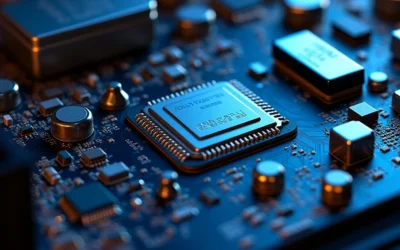
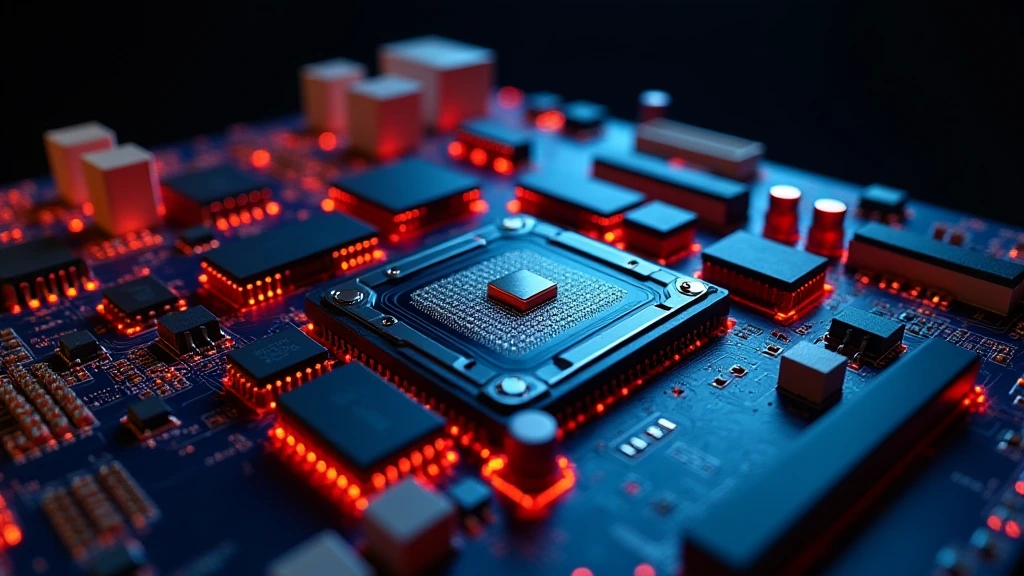
The amd 3d vcache explained mechanism hinges on a packaging technology called through-silicon vias (TSVs). These are microscopic vertical electrical connections that punch through the silicon substrate, allowing signals to travel directly from the compute die up into the stacked cache die above it. This is not a simple “glue two chips together” process — it requires extreme precision, with thousands of TSVs aligned to within microns.
The Chiplet Stacking Architecture
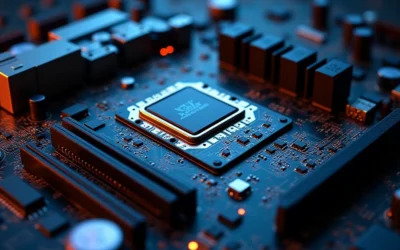
AMD’s X3D processors use a chiplet design where the compute die (containing the CPU cores) sits on a base substrate, and the 3D V-Cache die is stacked directly on top of it. The two dies are bonded using a hybrid bonding technique that creates a dense, low-resistance electrical interface. This vertical connection is critical: it keeps the cache-to-core latency nearly identical to a conventional on-die L3 cache, despite the physical distance being measured in the vertical rather than horizontal plane. The Ryzen 7 5800X3D pioneered this with 32MB of stacked cache, while the newer Ryzen 7 9850X3D and Ryzen 9 9950X3D push the total L3 to 96MB on the flagship parts.
Thermal Management: The Hidden Engineering Challenge
Stacking silicon creates a serious thermal problem. The compute die generates the majority of the heat, but it is now buried beneath the cache die, which acts as an insulating layer. AMD solved this with a combination of thinner silicon, optimized thermal interface materials, and careful power management. The cache die itself generates relatively little heat, but it physically blocks direct cooling of the cores below. This is why X3D processors historically ran at slightly lower clock speeds than their non-X3D counterparts — a deliberate trade-off to keep temperatures within safe limits. The 2nd Gen 3D V-Cache in the Ryzen 9000 series moved the cache die to sit beneath the compute die, which improved thermal conductivity and allowed the 9800X3D and 9850X3D to reclaim much of that lost clock headroom.
Why More L3 Cache Boosts Gaming FPS
The performance benefit is not about raw compute speed — it is about data locality. Games are notoriously cache-hungry because their working sets (the active data being processed at any moment) are far larger than a conventional 32MB L3 cache. When the CPU needs data that is not in cache, it must fetch it from system memory, a journey that takes hundreds of nanoseconds compared to the few nanoseconds of an L3 hit. Every one of those misses is a stalled pipeline, and in a frame-rendering workload, those stalls directly reduce the frame rate.
Hit Rate: The Metric That Matters
Adding 64MB or more of L3 dramatically increases the cache hit rate — the percentage of memory requests satisfied without leaving the chip. In cache-sensitive titles, this can push hit rates from the 80% range into the high 90s. The practical effect is that the CPU spends far less time waiting, which shows up as higher average FPS and, crucially, better 1% and 0.1% lows. Those low-percentile frame times are what gamers perceive as stutter and inconsistency, so the X3D advantage is often most visible in the smoothness of the experience rather than just the peak frame counter.
Which Games Benefit Most
Not every title responds equally. Games with large, streaming world data — open-world RPGs, simulation titles, and competitive shooters with complex scene geometry — benefit enormously. Lightweight esports titles that already fit in a small cache see minimal gains. This is why the X3D value proposition is strongest for gamers who play a mix of demanding AAA titles, and it is a key consideration in any desktop CPU benchmarks & reviews comparison. When weighing an X3D part against a higher-clocked conventional CPU, the deciding factor is almost always whether your game library is cache-sensitive.
3D V-Cache Generations and Specifications
AMD has shipped three distinct generations of 3D V-Cache, each with meaningful architectural changes. Understanding the differences matters for anyone making a pc hardware 2026 purchase decision, because the older parts and the newest parts are not equal in behavior.
| Processor | Cache Placement | Total L3 | Max Boost Clock | Typical Gaming Gain |
|---|---|---|---|---|
| Ryzen 7 5800X3D | On top of compute die | 96MB (32MB stacked) | 4.5 GHz | +10–15% vs 5800X |
| Ryzen 7 7800X3D | On top of compute die | 96MB (64MB stacked) | 5.0 GHz | +15–20% vs 7700X |
| Ryzen 7 9800X3D | Beneath compute die (2nd Gen) | 96MB (64MB stacked) | 5.2 GHz | +20–25% vs 9700X |
| Ryzen 9 9850X3D | Beneath compute die (2nd Gen) | 128MB (64MB stacked) | 5.5 GHz | Best-in-class gaming |
The shift in cache placement between generations is the single most important technical detail. First-gen parts placed the cache above the cores, which throttled boost clocks due to thermal insulation. Second-gen parts moved the cache below, allowing the cores to sit closer to the cooler and run at full frequency. This is why the 9800X3D and 9850X3D deliver both the cache advantage and near-full clock speed — the best of both worlds. For a deeper look at how these parts stack up against competing platforms, see our AMD Ryzen 5 9600X vs Intel Core Ultra 5 245K comparison.
3D V-Cache vs. Intel’s Approach: A Design Philosophy Divide
Intel has not adopted vertical cache stacking for its mainstream desktop parts, instead relying on large monolithic L3 caches and higher clock speeds. This is a fundamental philosophical difference. Intel’s approach keeps the entire cache on the same die, which simplifies thermal management but caps practical cache size. AMD’s approach trades manufacturing complexity for the ability to add cache capacity without expanding the core die. The Intel Architecture Technical Documentation details how Intel optimizes its cache hierarchy and prefetchers to compensate for smaller physical cache, but no amount of prefetch intelligence can fully replace raw capacity in cache-hungry workloads.
Where Each Approach Wins
In pure gaming, the X3D parts consistently lead because games benefit more from capacity than from marginal clock speed. In heavily multi-threaded productivity workloads that are not cache-sensitive, the higher clocks of conventional parts can win. This is why the X3D value proposition is so specific: it is a gaming-first processor, and buyers who primarily render, compile, or encode may not see the same benefit. The trade-off is worth understanding before purchase, and it is a central theme in our ASUS ROG Maximus Z890 Hero vs MSI MEG Z890 ACE platform analysis, which covers the motherboard ecosystem around these competing designs.
Memory, Motherboard, and Cooling Considerations
Getting the full benefit of 3D V-Cache requires the right supporting hardware. The cache reduces the frequency of memory accesses, but it does not eliminate them — system memory speed and latency still matter, just less than on a conventional CPU. For most X3D builds, a fast DDR5 kit with tight timings is a sensible investment, but you do not need to chase extreme overclocks to see the cache benefit.
Cooling Requirements
Even with the improved second-generation thermal design, X3D processors run hot under sustained load. The stacked cache adds a thermal barrier, and the cores still generate significant heat. A high-quality dual-tower air cooler or a 240mm-or-larger liquid cooler is strongly recommended. Running an X3D part on a weak stock cooler will cause thermal throttling that erases much of the performance advantage. This is a common mistake in budget builds, and it directly undermines the FPS gains the cache is supposed to deliver.
Platform and BIOS Considerations
X3D processors require a motherboard with a compatible chipset and a current BIOS. AMD has shipped several generations of X3D parts across the AM4 and AM5 sockets, and each requires specific board support. Buyers should verify BIOS compatibility before purchase, as an outdated BIOS can prevent the processor from being recognized or from running at full performance. For GPU pairing guidance that complements an X3D build, our Radeon RX 9060 XT 8GB vs 16GB comparison covers how VRAM capacity interacts with CPU cache behavior, and our graphics card tests & GPU guides section provides broader pairing advice.
Final Diagnostic Verdict & Maintenance Checklist
AMD 3D V-Cache is not marketing hype — it is a genuine architectural solution to a real physics problem, and it delivers measurable, repeatable gaming gains. The technology works by stacking a dedicated L3 cache die vertically on the compute die, using TSV interconnects to keep latency low while adding capacity that no flat die could economically achieve. For gamers running cache-sensitive titles, the X3D parts are the fastest gaming processors available, and the second-generation design has eliminated most of the clock-speed penalty that plagued the first iteration.
To get the most from an X3D processor and keep it running at peak performance, follow this maintenance checklist:
- Verify BIOS is current — install the latest motherboard BIOS before first boot to ensure full cache and clock support.
- Use adequate cooling — a quality dual-tower air cooler or 240mm+ liquid cooler is mandatory to prevent thermal throttling.
- Enable EXPO/XMP — activate the memory profile in BIOS to run DDR5 at rated speed and tighten latency.
- Monitor temperatures — keep sustained load temps below 90°C; sustained operation above this risks throttling and long-term degradation.
- Update chipset drivers — AMD’s chipset drivers include power and cache-management optimizations that matter for X3D parts.
- Check for background bloatware — background processes consume cache and memory bandwidth, reducing the effective hit-rate benefit.
- Re-verify after OS updates — major Windows updates can reset power plans; ensure the AMD-specific power plan is active.
The bottom line for pc hardware 2026 buyers is clear: if gaming is your primary workload and your budget allows, an X3D processor is the highest-impact single upgrade you can make. The cache physics are sound, the engineering is proven across three generations, and the second-generation parts have closed the gap on clock speed entirely. This is the definitive amd 3d vcache explained answer — a technology that solves a real bottleneck with elegant, physically grounded engineering.