Quick Answer
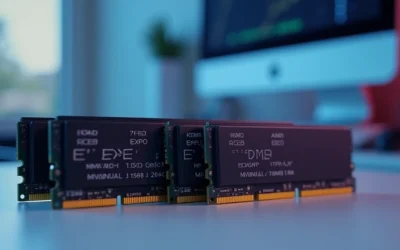
Two sticks of DDR5 RAM outperform four sticks for speed and stability on both AM5 and Intel LGA1851 platforms. Populating all four slots increases electrical load on the memory controller, triggering automatic speed downclock — often from 6000 MT/s down to 3600–4400 MT/s — due to daisy-chain topology signal degradation and IMC (Integrated Memory Controller) rank saturation limits.
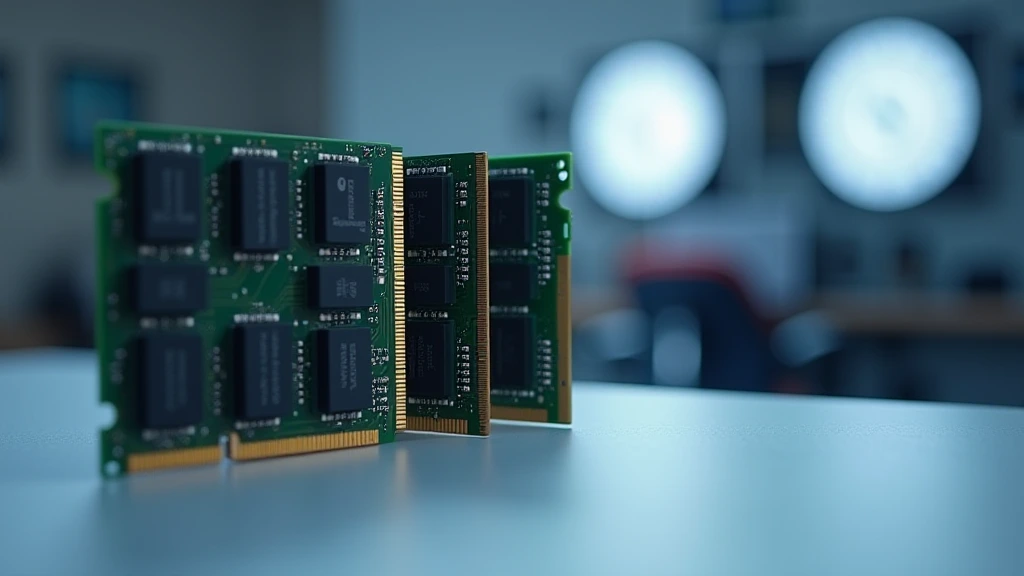
DDR5 changed the rules of memory configuration, and not in the way most builders expect. Unlike DDR4, where four-slot population was largely benign, DDR5’s architectural decisions — specifically its daisy-chain trace routing and on-die ECC — make the 2 sticks vs 4 sticks DDR5 debate a genuine engineering concern with measurable, real-world performance consequences. Whether you are building on AMD’s AM5 platform with a Ryzen 9000-series processor or on Intel’s Arrow Lake LGA1851 socket, the number of DIMMs you install directly affects the maximum stable frequency your system can achieve. This 2026 analysis breaks down the silicon-level reasons behind the downclock, maps the exact trade-offs, and tells you precisely when four sticks are justified and when they are not.
DDR5 Memory Architecture: Why It Differs From DDR4
Daisy-Chain Topology vs. T-Topology
DDR4 motherboards commonly used T-topology trace routing, where the signal trace branches symmetrically from the memory controller to each DIMM slot. This branch equalizes signal timing and allows four-slot population with relatively modest signal integrity penalties. DDR5 motherboards overwhelmingly adopted daisy-chain topology instead. In a daisy-chain layout, the trace runs linearly from the CPU’s IMC to DIMM slot A1, continues to A2, then crosses to B1 and B2. Every additional DIMM placed downstream increases the total stub length, adds capacitive load, and reflects signal energy back toward the source. The IMC must reduce its operating frequency to compensate for the degraded eye diagram — that is, the valid voltage-and-timing window in which a logic ‘1’ is distinguishable from a logic ‘0’.
On-Die ECC and Its Interaction With Rank Count
DDR5 mandates on-die ECC at the module level, a feature absent from DDR4. While this improves data integrity, it adds latency cycles to each read-correct-write sequence. When you install four DIMMs, the IMC must simultaneously manage on-die ECC overhead across more ranks, compressing the available timing budget. AMD’s Zen 5 IMC and Intel’s Arrow Lake IMC both respond by widening command-to-command gaps — which translates directly into lower rated stable frequency. The JEDEC Memory Standards Specification formally defines these rank-count derating rules in its DDR5 JEDEC JESD79-5B standard, giving motherboard firmware the explicit authority to step down clocks automatically.
Dual-Rank Single-DIMM vs. Single-Rank Dual-DIMM
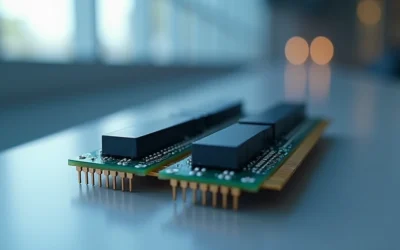
A single DDR5 DIMM can itself be dual-rank — meaning it contains two independent sets of DRAM dies that the IMC addresses alternately. A 32 GB DDR5-6000 two-stick kit is typically configured as two single-rank modules, presenting the IMC with a total of two ranks across two slots. Installing a second kit of two sticks raises the rank count to four, which is the hard ceiling for most consumer DDR5 IMCs. The IMC’s ability to interleave rank operations (hiding precharge latency) collapses when all four ranks are simultaneously loaded, removing the primary bandwidth advantage and leaving only the raw frequency cost of the additional capacitive load.
The Exact Downclock Mechanics on AM5 (Ryzen 7000 & 9000)
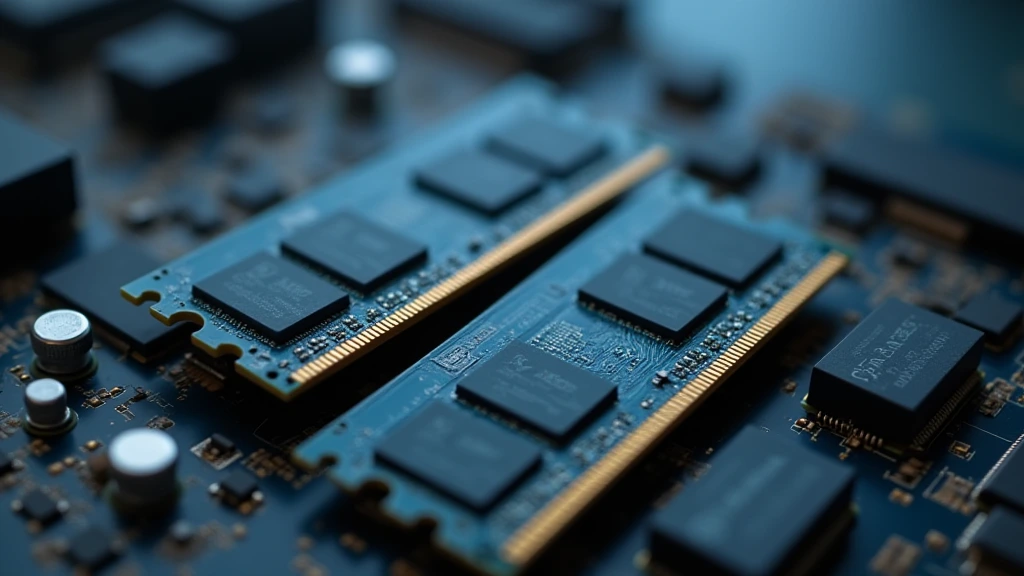
EXPO Profiles and IMC Limits
AMD’s EXPO (Extended Profiles for Overclocking) is the AM5 equivalent of Intel’s XMP. EXPO profiles embedded in DDR5 kits encode not just a target frequency but also a complete set of primary, secondary, and tertiary timings calibrated to a specific electrical environment — specifically, two DIMMs. When you populate all four slots and enable EXPO, the AGESA firmware detects the increased load and either fails to POST at the rated frequency or silently falls back to JEDEC defaults. JEDEC defaults for four-slot DDR5 typically land between DDR5-3600 and DDR5-4400 depending on the specific AGESA version in use. Achieving DDR5-6000 with four sticks on AM5 is possible but requires manual overclocking expertise, aggressive SOC voltage increases (often above 1.25 V), and a motherboard with heavy-duty daisy-chain trace impedance control — conditions that void most module warranties and reduce long-term IMC reliability. For performance-focused AM5 builds, especially those using processors reviewed in our desktop CPU benchmarks & reviews, two sticks remain the correct engineering choice.
FCLK, UCLK, and the Infinity Fabric Coupling
AMD’s Zen architecture links the memory controller clock (UCLK) and the Infinity Fabric clock (FCLK) in a coupled 1:1 ratio by default. At DDR5-6000, the memory clock is 3000 MHz; UCLK and FCLK both run at 1500 MHz in 1:1 mode. When four-slot population forces a drop to DDR5-4400, UCLK and FCLK drop proportionally to approximately 1100 MHz — a 27% reduction in Infinity Fabric bandwidth. This is not just a memory speed regression; it is a CPU-wide interconnect regression that elevates inter-CCX latency and reduces L3 cache-to-memory transfer throughput. Game engine threads that depend on fast CPU-cache-to-DRAM round trips — physics, AI, streaming decompression — all see measurable frame-time increases. Pairing this with a capable GPU like one assessed in our graphics card tests & GPU guides will not recover the lost CPU-side bandwidth.
Why 2u00d724 GB and 2u00d748 GB Kits Emerged
The memory industry’s direct response to the four-slot problem is the proliferation of high-density two-stick kits. Samsung’s 24 Gb die and Micron’s 32 Gb die enable 2u00d724 GB (48 GB total) and 2u00d748 GB (96 GB total) kits that deliver content-creator-class capacity while preserving two-slot, two-rank electrical simplicity. A 2u00d748 GB DDR5-6400 kit presents the IMC with exactly the same signal environment as a 2u00d716 GB DDR5-6400 kit — two slots, two ranks, full EXPO compatibility. This is the correct path for users who need 64–96 GB without sacrificing frequency, rather than populating all four slots with conventional 16 GB or 32 GB sticks.
Four-Slot DDR5 on Intel LGA1851 (Arrow Lake & Meteor Lake)
Intel IMC Architecture Differences
Intel’s Arrow Lake IMC, found in processors like the Core Ultra 200 series, shares the same fundamental DDR5 four-slot susceptibility as AMD’s Zen 5 IMC. Intel motherboards — including high-end options compared in our ASUS ROG Maximus Z890 Hero vs MSI MEG Z890 ACE review — use daisy-chain DDR5 routing on all consumer-segment boards. Intel’s XMP 3.0 profiles carry the same two-DIMM assumption as AMD’s EXPO. Filling all four slots triggers Intel’s memory training algorithm to step down from the XMP frequency to a safe validated speed, typically DDR5-3600 to DDR5-4800, depending on the specific IMC bin and BIOS version.
Gear Mode Compounding the Penalty
Intel introduced Gear 1, Gear 2, and Gear 4 modes to decouple the memory bus frequency from the IMC’s internal clock. In Gear 1, the IMC runs synchronously with the memory bus — maximum bandwidth, minimum latency, but strict frequency ceiling. In Gear 2, the IMC runs at half the memory bus frequency, enabling higher DRAM clocks at the cost of elevated access latency (~5–8 ns additional). With four sticks at DDR5-6000 XMP, the system may automatically switch from Gear 1 to Gear 2 to maintain stability, compounding the latency penalty on top of the frequency drop. The net result is often worse than two sticks at DDR5-4800 in Gear 1 — both lower bandwidth and higher latency simultaneously. When evaluating processor choices that interact with this memory hierarchy, see the AMD Ryzen 5 9600X vs Intel Core Ultra 5 245K comparison for a real-world framing of how IMC differences affect platform selection.
Comparative Performance Data: 2 Sticks vs 4 Sticks DDR5
| Configuration | Stable Freq (EXPO/XMP) | Stable Freq (4-Slot) | Gear Mode | Read BW (GB/s, approx.) | Latency Impact | Best Use Case |
|---|---|---|---|---|---|---|
| 2u00d716 GB DDR5-6000 (AM5) | 6000 MT/s | N/A — 2 slots | Gear 1 | ~88–92 | Baseline | Gaming, workstation |
| 4u00d716 GB DDR5-6000 (AM5, EXPO) | 6000 MT/s (2 slots) | 3600–4400 MT/s | Gear 1 (degraded) | ~54–65 | +12–20 ns | Not recommended for gaming |
| 2u00d732 GB DDR5-6000 (AM5) | 6000 MT/s | N/A — 2 slots | Gear 1 | ~86–90 | Baseline +1 ns | Content creation, 64 GB |
| 2u00d716 GB DDR5-6400 (Intel Z890, XMP) | 6400 MT/s | N/A — 2 slots | Gear 1 | ~94–98 | Baseline | Gaming, AI workloads |
| 4u00d716 GB DDR5-6400 (Intel Z890, XMP) | 6400 MT/s (2 slots) | 3600–4800 MT/s | Gear 2 (auto) | ~58–70 | +18–28 ns | Not recommended for gaming |
| 2u00d748 GB DDR5-6000 (AM5) | 6000 MT/s | N/A — 2 slots | Gear 1 | ~85–89 | +2–3 ns | 96 GB capacity without 4-slot penalty |
When Four Sticks of DDR5 Are Actually Justified
Server-Class and HEDT Workloads
Four-slot DDR5 population makes engineering sense in a narrow set of scenarios. Large-language-model inference running locally, video transcoding pipelines processing 8K RAW footage, and virtual machine environments hosting multiple concurrent OS instances all benefit from aggregate capacity over peak bandwidth. If your workflow genuinely requires 128 GB of RAM and the associated resolution on per-frame texture caches or VM balloon driver headroom, four sticks at DDR5-4400 delivers more productive throughput than two sticks at DDR5-6000 simply because the working set fits in memory rather than paging to an NVMe SSD. For GPU-accelerated tasks, see our Radeon RX 9060 XT 8GB vs 16GB comparison for a parallel capacity-versus-bandwidth trade-off analysis at the VRAM level — the same engineering logic applies.
ECC-Registered Workstation Boards
Threadripper PRO and Xeon W platforms use buffered Registered DIMMs (RDIMMs). The register chip on each RDIMM re-drives the command and address signals, effectively resetting signal integrity at each slot. This eliminates the daisy-chain degradation problem entirely. Four-slot — or eight-slot — RDIMM population on these platforms does not trigger the same frequency collapse seen on consumer AM5 and Z890 boards. If your use case demands both capacity and speed, a Threadripper PRO workstation with RDIMMs is the correct architecture, not a consumer AM5 board with four consumer UDIMMs.
Matched Quad-Kit Certification
Some motherboard vendors — primarily at the flagship tier — publish QVL (Qualified Vendor Lists) entries specifically for quad-kit validated DDR5 sets. These kits are tested at a reduced but stable EXPO frequency — commonly DDR5-5200 or DDR5-5600 — with four sticks. If your motherboard carries such a QVL entry and the application is capacity-constrained rather than latency-sensitive, using the listed quad kit at its certified speed is a valid configuration. It is not equivalent to two sticks at DDR5-6000, but it is a predictable, stable configuration rather than an unstable compromise.
Practical Configuration Decision Framework
Slot Population Rules for AM5 and LGA1851
On four-slot AM5 motherboards, always populate slots A2 and B2 first (the slots farthest from the CPU socket) when installing two sticks. This matches the electrical routing intended for two-DIMM operation in the daisy-chain design and minimizes stub reflections. On Intel Z890 boards — covered in detail in the ASUS ROG Maximus Z890 Hero vs MSI MEG Z890 ACE review — follow the motherboard manual’s recommended two-slot pairing exactly, as Z890 boards vary in which physical slots map to the electrically preferred pair.
Voltage Considerations With Four Sticks
Forcing four-stick DDR5 to run above JEDEC auto-detected speeds requires raising VDIMM (DDR5 module voltage) from the standard 1.10 V toward 1.30–1.40 V, and raising SOC voltage on AM5 above the 1.20 V recommended ceiling. Sustained SOC voltage above 1.30 V accelerates electromigration in Zen 4 and Zen 5 IOD silicon. This is not a theoretical concern — AMD’s own memory overclocking guidance explicitly warns against prolonged high SOC voltage. The thermal headroom available from the IOD also diminishes as all four IMC channels operate simultaneously, raising IMC junction temperature and compressing the margin before thermal throttle of the memory controller itself.
Final Diagnostic Verdict & Maintenance Checklist
The 2 sticks vs 4 sticks DDR5 question resolves clearly at the engineering level. Two sticks on AM5 and Intel LGA1851 deliver the rated EXPO/XMP frequency, Gear 1 operation, minimum access latency, and full Infinity Fabric or IMC synchronization. Four sticks sacrifice 25–40% of peak memory bandwidth and add 12–28 ns of access latency in exchange for doubled capacity — a trade-off that is only beneficial when the workload is genuinely capacity-bound rather than latency- or bandwidth-bound. For gaming, content creation at standard resolutions, and general-purpose workstation use in 2026, two high-density sticks — particularly 2u00d724 GB or 2u00d748 GB configurations — are the optimal engineering answer across both platforms.
- Confirm slot population: install two DIMMs in the manufacturer-specified A2/B2 (or equivalent) slots before enabling EXPO/XMP.
- If using four sticks, disable EXPO/XMP and set the memory speed manually to a validated QVL frequency — do not assume the EXPO profile applies to four slots.
- Check AGESA or BIOS version: newer AGESA releases (1.2.0.x and later for Zen 5) improve four-slot training success at DDR5-4800 without manual overrides.
- Monitor SOC voltage in HWiNFO64 during a stress run: sustained readings above 1.25 V indicate the system is compensating for signal integrity margin loss — reduce DRAM frequency or return to two slots.
- Verify FCLK/UCLK ratio in AMD Ryzen Master or BIOS: confirm 1:1 coupling at the target frequency; a 2:1 ratio indicates the IMC could not sustain synchronous operation and bandwidth has halved.
- For capacity requirements above 64 GB on consumer platforms, prioritize 2u00d748 GB or 2u00d732 GB kits over 4u00d716 GB or 4u00d732 GB kits.
- Run MemTest86 (pass count u2265 2) after any DRAM configuration change — four-slot instability frequently manifests as intermittent single-bit errors rather than hard boot failures, masking data corruption risk.
- For workloads requiring both 128+ GB capacity and high bandwidth, migrate to a Threadripper PRO or Xeon W platform with RDIMM support rather than forcing consumer UDIMMs into an architecture not designed for four-slot high-frequency operation.